
Best Python Scraping Libraries in 2026: 6 Compared

On this page
If you are evaluating Python scraping libraries for an upcoming project, the short answer: requests + BeautifulSoup for static HTML, Playwright for JavaScript sites, and Scrapy when you need to crawl at scale. Everything else is a variation on those three choices, or a signal that you should reach for a managed API instead of a library at all.
This guide compares six Python scraping libraries head-to-head so you can make that call with data rather than guesswork. Each one solves a different bottleneck. The trick is knowing which bottleneck you actually have. If you are new to the space and want the broader framework first, start with our comprehensive Python scraping guide before reading on.
How we evaluated: engineer time outweighs raw speed
This comparison is based on our analysis of the six Python scraping libraries across their official documentation, published benchmarks, and hands-on use in cloro’s own scraping infrastructure. We did not score them on popularity or GitHub stars. We scored them on how they behave when a real scraper hits a real target at production volume.
One number frames all six criteria, because it decides which of them actually costs you anything. When we costed a self-run scraping stack against published proxy and browser prices, with the US median developer salary loaded at 1.3x, engineer time was the largest single line at every volume modelled: 72% of the total at 100,000 requests a month, 59% at 500,000 and 50% at a million. Library choice matters mostly through its effect on that line rather than through anything on an invoice, which is why maintenance burden outranks raw speed below.
Each library was measured against six criteria that reflect genuine production concerns:
- Raw HTTP performance. Requests per second on a static HTML target, plus how well it handles keep-alive, connection pooling, and retries out of the box.
- Parsing ergonomics. How much boilerplate it takes to extract a list of links or a price from a product page. This matters more than people admit when you are writing dozens of spiders.
- JavaScript rendering. Whether the library can handle sites that require a browser to execute before the DOM exists.
- Async support. Native
async/awaitor event-loop compatible? Matters when concurrency is the bottleneck. - Maintenance burden. How often does it break due to upstream changes, whether it has active maintainers, and whether it requires keeping a browser binary in sync.
- Entry difficulty. Time from
pip installto first working scraper, measured honestly.
We also considered the practical escape hatch: when does the right answer stop being “pick a library” and start being “use an API”?
The 6 Python scraping libraries ranked
The six Python scraping libraries below are ordered from the most common starting point to the most specialized. Read the “when to pick this” line under each if you want to skip straight to a decision.
1. requests + BeautifulSoup
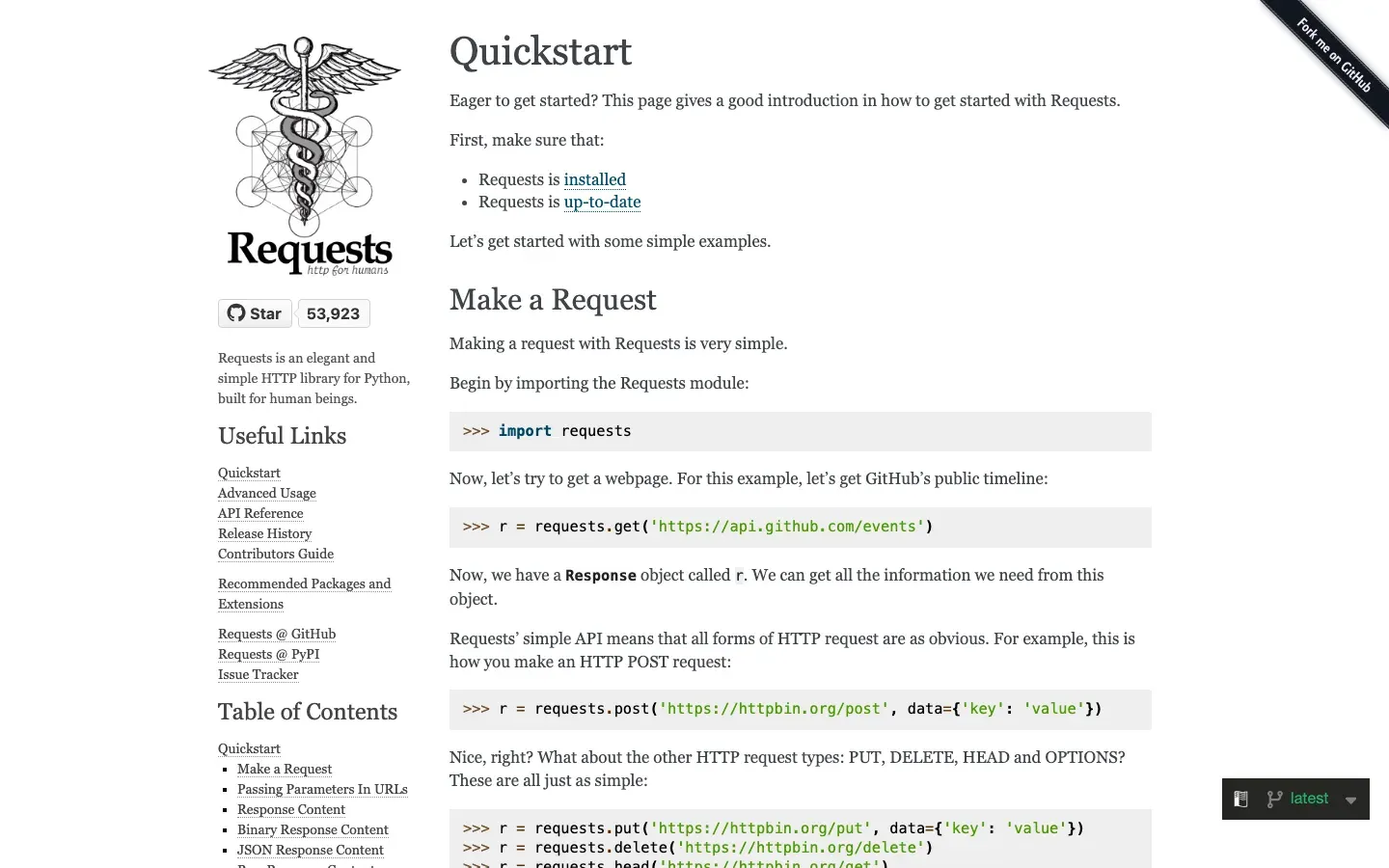
Best for: static HTML pages, rapid prototyping, and anything you need working in under an hour.
requestshandles HTTP: sessions, headers, cookies, redirects, and retries. Its docs note that “Keep-Alive and HTTP connection pooling are 100% automatic,” so you get pooled connections for free.BeautifulSoupparses the HTML with CSS selectors, tag navigation, and.find()/.find_all(), so you can pull out the exact elements you need without writing your own parser.- Together they cover the vast majority of publicly accessible pages.
- The combination has been the default among Python scraping libraries since roughly 2012.
Pros:
- Lowest barrier to entry of any option on this list
- Massive documentation, tutorials, and Stack Overflow coverage
requests.Sessiongives you connection pooling and persistent cookies with zero config
Cons:
- Single-threaded by default, so sequential requests get slow at scale
- No JavaScript execution; anything rendered client-side returns empty content
- BeautifulSoup’s built-in
html.parseris slower than lxml at parse time. The official docs put it plainly: “If you can, I recommend you install and use lxml for speed.” Passinglxmlas the parser is a free speed bump.
When to pick this: You are scraping static HTML such as news articles, Wikipedia, or product pages that render server-side. You want something running in 20 minutes, and you are not dealing with CAPTCHAs or login walls. This is the right default. See our dedicated BeautifulSoup web scraping guide for a deeper dive into patterns and pitfalls.
2. Scrapy
Best for: large-scale crawls, spider pipelines, and projects where you need to crawl thousands of URLs systematically.
- Full spider framework: a
Request/Response/Itemmodel with built-in pipelines, so you get structured extraction and storage wired up without building that plumbing yourself. The Scrapy docs describe it as “a fast high-level web crawling and web scraping framework.” - The middleware stack handles retries, throttling, user-agent rotation, and cookies. Its AutoThrottle extension adjusts crawl rate dynamically based on load, so you back off automatically when a server slows down.
- Exports to JSON, CSV, XML, or custom item pipelines out of the box.
- Built-in Twisted-based async I/O makes it concurrent without you touching asyncio.
Pros:
- The fastest option for bulk crawls. A well-tuned Scrapy spider can hit thousands of pages per minute.
- Built-in deduplication via
DUPEFILTER_CLASS, so you will not accidentally re-crawl URLs - Scrapy Cloud and Scrapyd make deployment straightforward
Cons:
- Steep learning curve. The framework has opinions about project structure, and the docs assume you understand Twisted.
- No JavaScript rendering out of the box; you need
scrapy-playwrightorscrapy-splashintegration - Overkill for small or one-off scripts; the project scaffold is a lot of ceremony for a 50-URL job
When to pick this: Your project involves crawling an entire domain or a large catalogue. You need concurrent requests, retry logic, and structured output. Of all the Python scraping libraries here, Scrapy is the one that pays back a day of learning with months of production reliability. For architecture patterns at this scale, see our large-scale web scraping guide.
3. Playwright
Best for: JavaScript-heavy sites, SPAs, login flows, and anything requiring real browser interaction.
- Microsoft-maintained, with one API to drive Chromium, Firefox, and WebKit, so you can scrape or test across all three without rewriting your automation for each engine.
- Full async API (
async_playwright) and a sync API. Both are first-class. - Intercept and mock network requests, take screenshots, and wait for DOM events.
- Playwright waits for elements to be actionable before acting, which eliminates the race conditions that plagued Selenium’s manual waits.
Pros:
- The most reliable way to scrape SPAs and React/Vue/Angular apps
- Auto-waits are a genuine improvement over Selenium’s
WebDriverWaitboilerplate - The codegen tool (
playwright codegen) records browser interactions as Python code, which is useful for sketching login flows
Cons:
- Must download and maintain browser binaries (
playwright install) - Slower per-request than HTTP libraries, since launching a browser context has overhead
- Memory hungry at scale; 100 concurrent Playwright contexts will strain most machines
When to pick this: The page you need requires JavaScript execution. That covers SPAs, infinite scroll, login authentication, and cookie-consent walls. When a page renders client-side, Playwright sees what a human sees. For a complete tutorial covering Playwright and Selenium patterns, see our guide to web scraping with Python.
4. httpx + selectolax
Best for: async-heavy modern Python codebases where performance and concurrency matter.
httpxis a “broadly requests-compatible” HTTP client that provides both sync and async APIs, plus HTTP/2 support, so you can start synchronous and move to concurrent scraping later without switching libraries.selectolaxis a fast HTML5 parser written in Cython on the Modest and Lexbor engines. It runs 10-30x faster than BeautifulSoup on large documents.- Together they form the highest-throughput pure-Python stack for static content.
httpx.AsyncClientwithasyncio.gather()makes concurrent scraping idiomatic.
Pros:
- Near-identical API to
requests, so migration from a requests codebase takes an afternoon - Fast: selectolax benchmarks at 3-5 million HTML nodes/second vs. BS4’s ~300k
- HTTP/2 support out of the box, which is useful on modern CDN-backed sites
Cons:
- Smaller community than requests, with less Stack Overflow coverage for edge cases
- selectolax’s API is less ergonomic than BeautifulSoup; CSS selectors work but the object model is lower-level
- Still no JavaScript rendering
When to pick this: You are writing a high-concurrency scraper in Python 3.10+ and performance is a real constraint. You want to stay in pure Python without a browser. For static content this stack is the pure-Python throughput ceiling, and it slots cleanly into a codebase that already uses async.
5. Selenium
Best for: legacy projects already using it, or teams whose browser automation test suite doubles as a scraper.
- The original headless browser automation library for Python.
- Supports Chrome, Firefox, Edge, and Safari through WebDriver, which “drives a browser natively, as a user would.”
- Broad ecosystem support, since most browser-fingerprinting research targets Selenium first.
Pros:
- Well documented; the problem you have has probably been solved on Stack Overflow
- Easy to integrate with existing QA test infrastructure
Cons:
- Slower and more verbose than Playwright;
WebDriverWait+expected_conditionsis painful chromedriverversion management is a recurring headache (webdriver-managerhelps but adds a dependency)- Playwright has effectively superseded it for new projects
When to pick this: You are maintaining a legacy scraper you do not want to rewrite, or your team’s test suite already uses Selenium and sharing infrastructure matters. Keep Selenium only where you have already paid its setup cost. For new projects, choose Playwright instead.
6. cloro’s Scraping API
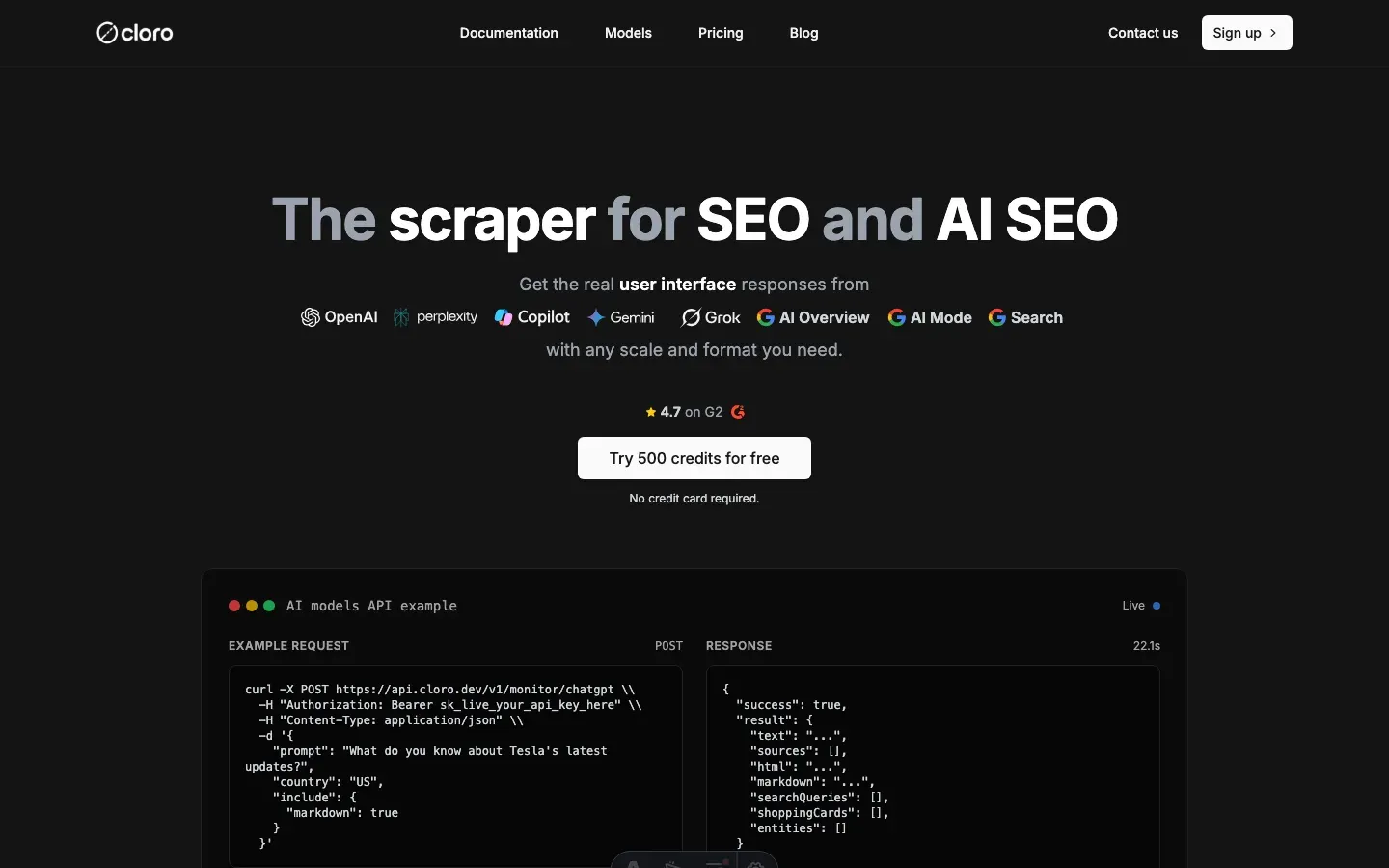
Best for: scraping search engines (Google, AI search like Perplexity and ChatGPT search), or any target where IP blocks and CAPTCHA are the primary obstacle.
- Send a request, receive structured SERP data or clean HTML. No browser binaries, no proxy management.
- Covers traditional search engines and AI search engines from a single unified API, so you can track both surfaces without maintaining two separate integrations
- Handles rotating proxies, CAPTCHA solving, and anti-bot headers on the server side
- Python SDK or plain HTTP; integrate in minutes
Pros:
- No infrastructure to maintain. No proxy pool, no headless browser, no block-detection logic.
- Purpose-built for search engine data; returns structured results, not raw HTML you have to parse
- Scales to millions of requests without re-architecting your scraper
Cons:
- Not free beyond the 500 credits a month on the free tier. Lite is $30/month, Hobby $100/month for 250,000 credits, Growth $500/month.
- Wrong tool for arbitrary website scraping; the value is specifically on search engine and AI search targets
- Adds a network round-trip vs. local libraries
When to pick this: Your target is a search engine results page (Google, Perplexity, ChatGPT search, Gemini, or Copilot). This is the one job where the Python scraping libraries above stop being enough, because the blocks are too aggressive and too dynamic for any client-side stack to keep up. A managed SERP API handles the hard parts and keeps your scraper running. If you are building anything that monitors how your brand appears in AI search results, you likely also need the AI visibility tracking layer on top of raw data.
See our dedicated guide on scraping SERPs from Python for patterns and code examples.
Comparison table
Read down the “JS rendering” and “Async support” columns first.
| Library | Best for | JS rendering | Async support | Maintenance burden | Entry difficulty |
|---|---|---|---|---|---|
| requests + BS4 | Static HTML, prototyping | No | No (use grequests workaround) | Low | Very easy |
| Scrapy | Large-scale crawls | Via plugin | Yes (Twisted) | Medium | Moderate |
| Playwright | SPAs, dynamic sites | Yes (real browser) | Yes (native) | Medium (browser binaries) | Easy–moderate |
| httpx + selectolax | Async high-concurrency | No | Yes (native asyncio) | Low | Easy |
| Selenium | Legacy / QA overlap | Yes (real browser) | No | High (chromedriver) | Easy |
| cloro Scraping API | SERP / AI search data | Handled server-side | Yes (HTTP) | None (managed) | Very easy |
The takeaway: “No” in the JS rendering column rules a library out immediately if your target needs a browser to render content; “No” in async support only matters once concurrency is your actual bottleneck. Everything else in the table is a secondary tiebreaker.
When requests gets blocked before the page loads: curl_cffi
Some sites reject a plain requests or httpx call on its TLS fingerprint, before any HTML comes back. Headers and delays do not fix that, because the handshake itself looks like a script.
A static-HTML stack hits this wall fast on retail sites (infinite_war on r/Python, June 2022):
I tried to scrape some grocery store websites with BS and I ran into a wall almost immediately.
curl_cffi is the usual next step short of a browser. It is built on cURL Impersonate and copies the TLS and HTTP/2 fingerprints of real browsers, with a requests-like API and asyncio support, per Bright Data’s library review. That review lists it at about 310,000 weekly downloads and notes it has no Firefox impersonation. Treat it as a drop-in fetcher for the stacks above: it gets past fingerprint checks, not JavaScript rendering or CAPTCHAs.
Working code example
The most common starting point is requests + BeautifulSoup. The workflow in one line: open a session, send the request with retries built in, then parse the returned HTML and hand back the data you actually want. Here is a minimal but production-ready pattern that includes error handling and a retry on transient failures.
import time
import requests
from bs4 import BeautifulSoup
from requests.adapters import HTTPAdapter
from urllib3.util.retry import Retry

def build_session() -> requests.Session:
    """Return a session with retry logic and a browser-like User-Agent."""
    session = requests.Session()
    retry = Retry(
        total=3,
        backoff_factor=1.0,
        status_forcelist=[429, 500, 502, 503, 504],
    )
    adapter = HTTPAdapter(max_retries=retry)
    session.mount("https://", adapter)
    session.mount("http://", adapter)
    session.headers.update(
        {
            "User-Agent": (
                "Mozilla/5.0 (Macintosh; Intel Mac OS X 10_15_7) "
                "AppleWebKit/537.36 (KHTML, like Gecko) "
                "Chrome/124.0.0.0 Safari/537.36"
            )
        }
    )
    return session


def scrape_page(url: str) -> list[dict]:
    """Fetch a URL and return a list of {text, href} dicts for all links."""
    session = build_session()
    try:
        response = session.get(url, timeout=10)
        response.raise_for_status()
    except requests.exceptions.HTTPError as exc:
        # Non-2xx — log and return empty rather than crashing the pipeline
        print(f"HTTP error for {url}: {exc}")
        return []
    except requests.exceptions.RequestException as exc:
        print(f"Request failed for {url}: {exc}")
        return []

    soup = BeautifulSoup(response.text, "lxml")  # lxml is faster than html.parser
    return [
        {"text": a.get_text(strip=True), "href": a["href"]}
        for a in soup.find_all("a", href=True)
    ]


if __name__ == "__main__":
    links = scrape_page("https://example.com")
    for link in links[:10]:
        print(link)
    time.sleep(1)  # be polite; don't hammer the server
A few notes. lxml is passed as the parser to BeautifulSoup because it is faster than the default html.parser on large documents. The Retry adapter handles transient 5xx and 429 errors automatically, which is the most common reason scrapers fail silently in production. The bare try/except on RequestException ensures a network failure returns an empty list rather than killing a batch job.
Decision tree
Choosing among Python scraping libraries comes down to four questions. Work through them in order and stop at the first “yes.”
1. Is your target a search engine or AI search results page?
- Yes → use cloro’s SERP API. Libraries alone will not last.
- No → continue.
2. Does the page require JavaScript execution to render content?
- Yes → use Playwright (new project) or Selenium (existing codebase).
- No → continue.
3. Are you crawling more than ~1,000 URLs in a single run?
- Yes → use Scrapy. Its throttling and deduplication middleware will save you.
- No → continue.
4. Is concurrency a bottleneck in your existing async codebase?
- Yes → use httpx + selectolax.
- No → use requests + BeautifulSoup. It is the right default.
Conclusion
None of these Python scraping libraries is objectively best. Each wins a specific job and loses the others. For most projects the decision is straightforward once you name the constraint:
- Static HTML, quick start → requests + BeautifulSoup
- JavaScript-rendered sites → Playwright
- Large-scale crawls → Scrapy
- Async-heavy modern codebase → httpx + selectolax
- Legacy maintenance → Selenium
- Search engine or AI search data → cloro’s SERP API
These Python scraping libraries are free and well-maintained. There is no wrong answer among the first five as long as you match the tool to the job. Things break down only when you point a Python library at a search engine or an AI search results page. The anti-bot infrastructure on those targets is a full-time engineering problem, and that is where a managed API pays for itself.
If you are building a pipeline that needs both traditional and AI search engine data from a single interface, cloro’s SERP API covers both surfaces. Start there if search data is at the center of your project.
For the full framework, from environment setup through proxy rotation and production deployment, see our comprehensive Python scraping guide.

About the author
Ricardo Batista
Founder, cloro
Ricardo is one of the founders and engineers behind its SERP and AI-search scraping infrastructure. Before cloro he scaled a financial comparison site to $7M ARR and ran the full-country operations of a unicorn to $65M ARR, then went back to building. He writes about search engine scraping, generative-engine optimization, and turning live search and AI-answer data into something teams can act on.
Frequently asked questions
What is the best Python scraping library for beginners?
requests + BeautifulSoup is the canonical starting point. The API is intuitive, the community is massive, and the two packages together install in seconds. For anything static, it remains the default choice in 2026.
Which Python scraper handles JavaScript-rendered pages?
Playwright is the current standard for JavaScript-heavy sites. It controls a real Chromium, Firefox, or WebKit instance, so it can handle SPAs, infinite scroll, and login flows. Selenium is an older alternative but has a slower API and higher maintenance overhead.
Is Scrapy still worth learning in 2026?
Yes, for crawler-scale projects. Scrapy's built-in middleware stack (retry, throttling, item pipelines) saves weeks of engineering when you are crawling hundreds of thousands of pages. For single-page or small-scale work it is overkill.
What is the difference between httpx and requests for web scraping?
Both handle HTTP, but httpx supports async/await natively. In high-concurrency scrapers — hundreds of simultaneous requests — httpx with asyncio can be 5-10x faster than synchronous requests. Pair it with selectolax for fast parsing and you have a modern async stack.
When should I use a scraping API instead of a Python library?
When your target is a search engine (Google, AI search results like ChatGPT, Perplexity, Gemini) or a heavily bot-protected site. Search engines actively fingerprint and block scraper traffic. A dedicated API like cloro's SERP API handles rotating proxies, CAPTCHA solving, and anti-bot headers so your Python code never touches those failure modes.
How do I avoid getting blocked while scraping with Python?
Rotate user-agent strings, add random delays between requests, use a proxy pool, and respect robots.txt. For SERP or AI search targets, these measures are rarely sufficient — a managed API is more reliable and often cheaper than building and maintaining your own proxy infrastructure.
Related reading
Best AI SEO Tools 2026: 11 Dashboards Compared
We compared 11 AI SEO tools across citation tracking, content optimization, and full suites. Compare pricing, engine coverage, and the real trade-offs.
Web Scraping with Python: The Complete 2026 Guide
Web scraping with Python in 2026: pick the right tool (requests, BeautifulSoup, Scrapy, Playwright) with working code examples and a decision framework.