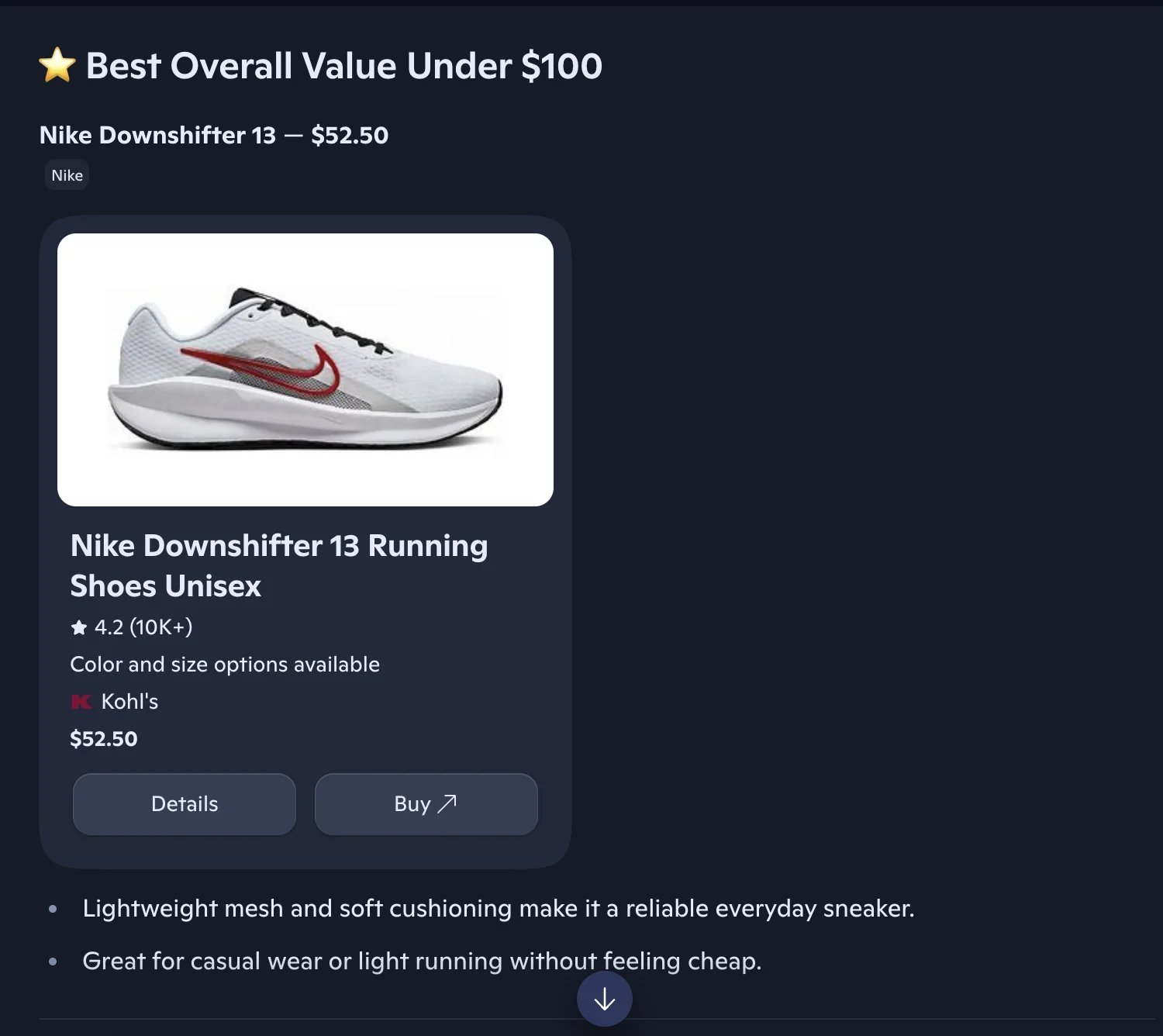
This section documents the shopping cards data returned by the Microsoft Copilot endpoint. Shopping cards are part of the Copilot response, so no separate API call is needed. For use cases, pricing context, and copy-paste examples, see the Copilot shopping API page on the product site.

Example request

Shopping cards are returned by default when Copilot surfaces product data. No flag is required.
This produces a response containing the shoppingCards array documented below.

Overview

Shopping cards are automatically extracted when Copilot returns product or commercial information. No additional parameters are required. Shopping cards are included by default when available in the response.
Shopping cards in Copilot

Shopping card structure

Each shopping card contains:

Product information

Each product includes the following e-commerce data:

Product identifier structure

The product field contains:

Price structure

The price field contains:

Rating structure

The rating field contains:

Example usage

Response with shopping cards: