

result.ads when you opt in with include.ads: true — no separate API call. For use cases, pricing context, and copy-paste examples, see the ChatGPT ads scraper page on the product site.
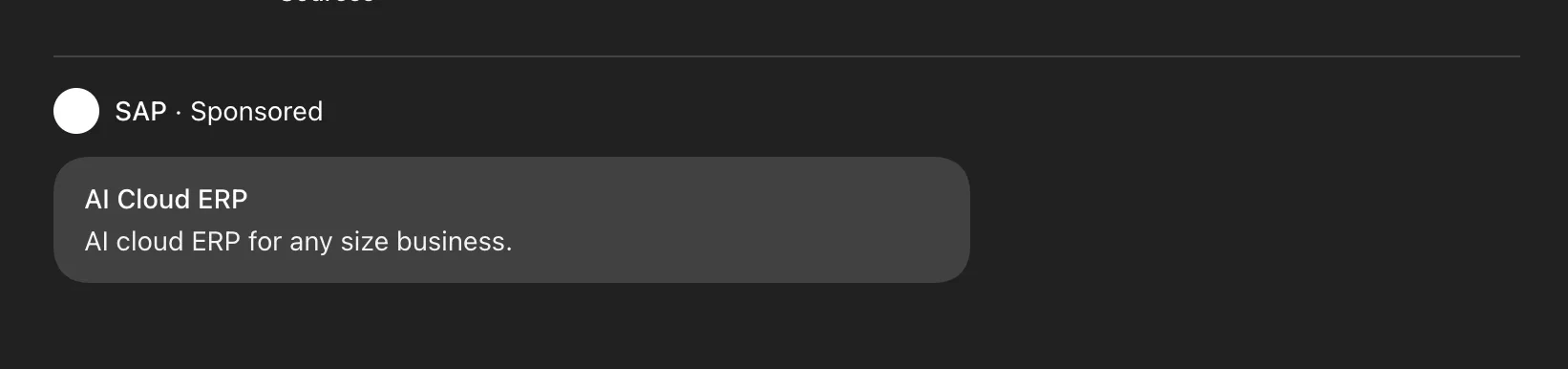
Ads in ChatGPT
result.ads lists every ad OpenAI serves for the prompt; the interface renders at most one of them, so use the rendered field to tell which ad was actually shown. See Served vs shown below.
Example request
Ad structure
Brand structure
Card structure
Served vs shown
The served list can include ads the user never saw. Three fields let you measure real exposure:rendered—trueonly for the ad shown as a visible card. Countrendered: truefor user-visible impressions rather than the length ofads.visibility—allowedfor eligible ads;hiddenmarks ads OpenAI filtered (for example, an integrity check). Ahiddenad is never shown.adsResponseIndex— the served slot position. It reflects the order OpenAI returned the ads, not which one was shown. It is usually zero-based, as in the example below, but not guaranteed — a lone ad can arrive at a higher index (for example2) — so treat it as an opaque position rather than a dense sequence.
rendered is derived from the response DOM at capture time. It reliably flags served-but-not-shown ads, but treat it as a strong signal rather than a guarantee — a rare late-painting render can be missed.