

result.events, on desktop and mobile, with no flag and at no extra cost. events is omitted when the SERP has no events block.
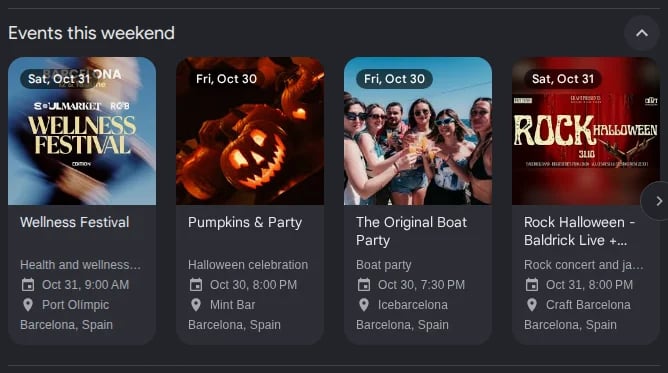
Events carousel in Google Search
- A carousel of event cards, on queries such as “events in new york this weekend”. Each card has a name, an image, a date, a venue and a city.
- A list of ticket offers, on an artist’s queries (each row is a date of the tour: date, time, venue and city) and in the panel of a venue or a landmark (each row is an event: name, image and date). Each row has its ticket sellers, with their prices when Google shows them. The block can be in a section of the panel, open or closed.
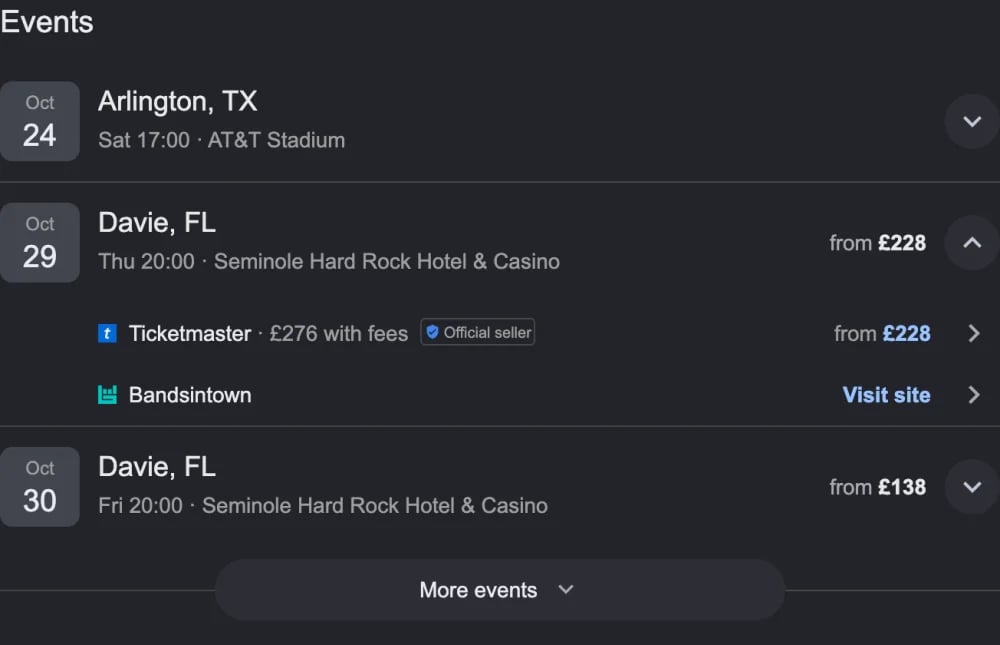
Events ticket list in Google Search, with a tour date opened on its sellers
Events structure
Event
position is always present. The other fields are included only when Google shows them: a card has a title and a kgmid and no tickets, a tour date has no title, and a list row has no description.
Ticket
A row with many sellers can hold more links than cloro resolves for one page. A ticket whose link is not resolved has an empty
link; pass its redirectLink to POST /v1/monitor/google/goto to get the destination.
Price
A free event’s price has only
raw, the word Google shows ("Grátis").
Dates, times and prices are text as shown, in the language of the SERP.
Response example
A response toevents in new york this weekend, on mobile:
ed sheeran tour in the United Kingdom: