
Open Source AI Visibility Tracker You Can Self-Host

On this page
Why run your own AI visibility tracker
Paid AI visibility dashboards answer one question well: is my brand in the answer this week? The answers stay on the vendor’s servers, the price goes up with the number of prompts you track, and the reports are the ones the vendor chose to build. If you want to ask a new question of old data, or join it with your own analytics, you are limited to what the dashboard exports.
With a tracker you host yourself, you choose the prompts, the engines and how often each one runs. Every answer goes into a database you own, timestamped, with its sources and the full payload. Next year you can measure share of voice for a competitor you did not think to track today, because the answers are still there.
The second reason is noise, because AI answers change from run to run. In paired runs we measured, the same model answering the same prompt minutes apart repeated only about 40% of its cited domains, so one answer is one draw from a pool of possible sources (the sample-size study has the details). If you run each prompt several times a day and keep every answer, you get a visibility rate rather than a single draw.
What you can do with geo-tracker
geo-tracker is cloro’s open source AI visibility tracker. You set your prompts once, and it runs them on a schedule against ChatGPT, Gemini, Copilot, Perplexity, Google AI Mode, Google Search and Google News, then stores each raw response in your Postgres. With it you can:
- Track the 10 or 20 questions your buyers ask, on the engines they use, as often as 24 times a day.
- Measure share of voice. Every answer gets one row per tracked brand, including the brands it did not name, so a 0% is a measured zero rather than a gap in the data.
- See which pages get cited. Every link an engine returned is stored with where it appeared: the source list, a citation pill, an organic result or an ad.
- Watch competitors without tracking them. List their names in a candidates file, and the ones that turn up in answers come back as a shortlist worth tracking.
- Read what the engines searched for. Copilot and Perplexity report the queries they typed before answering, and geo-tracker keeps them.
The intended user is an AI agent. Every capability is an MCP tool and a REST endpoint, so Claude Code, Cursor or your own agent can set up the prompts, start the runs and read the answers. You ask in plain words, and the agent works over the full, timestamped history.
Seven open source AI visibility trackers compared
In October 2026 at least seven open source trackers run prompts on a schedule and keep the history. All of them had a commit in the last month. They differ most in where the answers come from: the AI product a person uses, or the model’s API, which gives different answers (more on that below).
| Tracker | Interface | Answers come from | Engines | Data lives in | License | GitHub stars |
|---|---|---|---|---|---|---|
| geo-tracker | MCP server and REST API, no UI | The cloro API | ChatGPT, Gemini, Copilot, Perplexity, AI Mode, Google Search, Google News | Your Postgres, on Vercel | MIT | 2 |
| Elmo | Dashboard, REST API, MCP server | A scraping API you choose (cloro, Bright Data, Oxylabs, SearchApi, Olostep or DataForSEO), or model APIs | ChatGPT, Gemini, Copilot, Perplexity, AI Mode, AI Overview; Claude and others through APIs | Your Postgres, with Docker Compose | MIT | 489 |
| GEO/AEO Tracker | Dashboard | Bright Data’s AI Scraper API | ChatGPT, Perplexity, Gemini, Copilot, AI Mode | Your browser, or your own Supabase project | MIT | 306 |
| OneGlanse | Dashboard | Your own signed-in accounts, in an automated browser | ChatGPT, Perplexity, Gemini, Claude, AI Overview | Your computer or server | MIT | 231 |
| Limelit Open | Dashboard, CLI, MCP server | Model APIs, plus DataForSEO or SearchApi for the Google engines and Copilot | ChatGPT, Claude, Perplexity, Gemini, AI Overview, AI Mode, Copilot | SQLite, in one binary | Apache 2.0 | 219 |
| Canonry | CLI, MCP server, REST API, web UI | Model APIs only | OpenAI, Claude, Gemini and Perplexity models, plus local models | SQLite | MIT | 193 |
| Ansvisor | Dashboard, MCP server | The cloro API, plus model APIs for Claude | ChatGPT, Gemini, Copilot, Perplexity, AI Mode, AI Overview, Claude | Your Supabase project | MIT | 161 |
Sources: each project’s README and LICENSE on GitHub. Stars and activity read on 24 October 2026.
Pick by who reads the data and where you want the answers to come from. For a dashboard, Elmo has the most built in, and Elmo Cloud runs it for you from $29 a month. For the smallest install, Limelit Open is a single binary. If an agent, a SQL query or your own product reads the data, geo-tracker and Canonry are built agent-first: geo-tracker collects from the AI products, and Canonry reads model APIs. Several trackers cover Claude through Anthropic’s API, and OneGlanse is the only one that collects answers from the Claude app itself, through your own account.
Two other open source projects are close to this list. NiubiGEO (Apache 2.0) has the most stars, about 8,600, but it reads model APIs only, and its keyword monitoring is labeled beta. Cited (AGPL) runs on DataForSEO and is at version 0.1.0.
geo-tracker
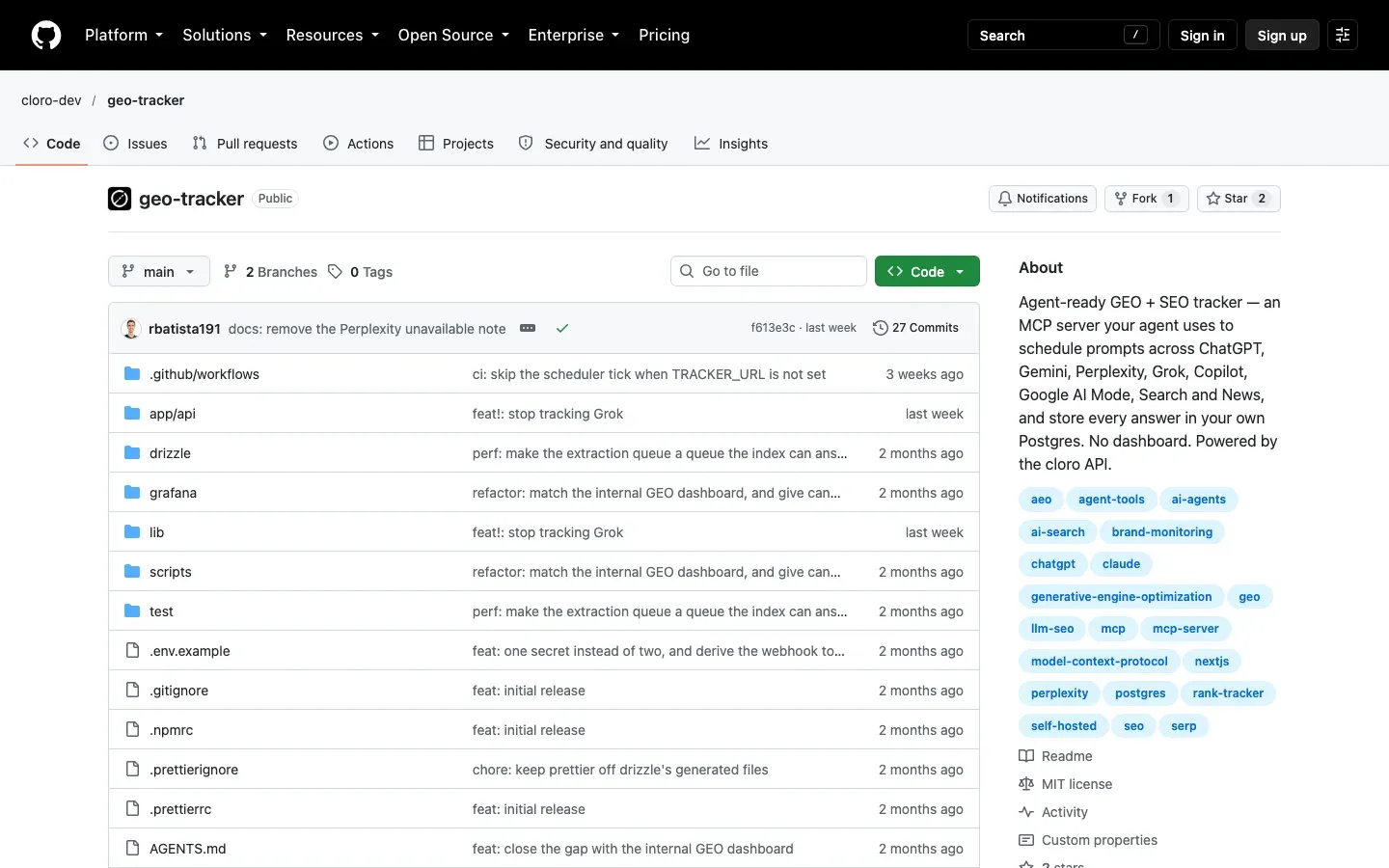
geo-tracker stores the raw answer from every run and leaves the reading to you or your agent. It has no login page and no charts, which keeps the deployment small: one Next.js app, a Postgres database and two values to paste. It suits teams that want AI visibility data next to their other data, or that want to build reporting of their own on top.
Elmo
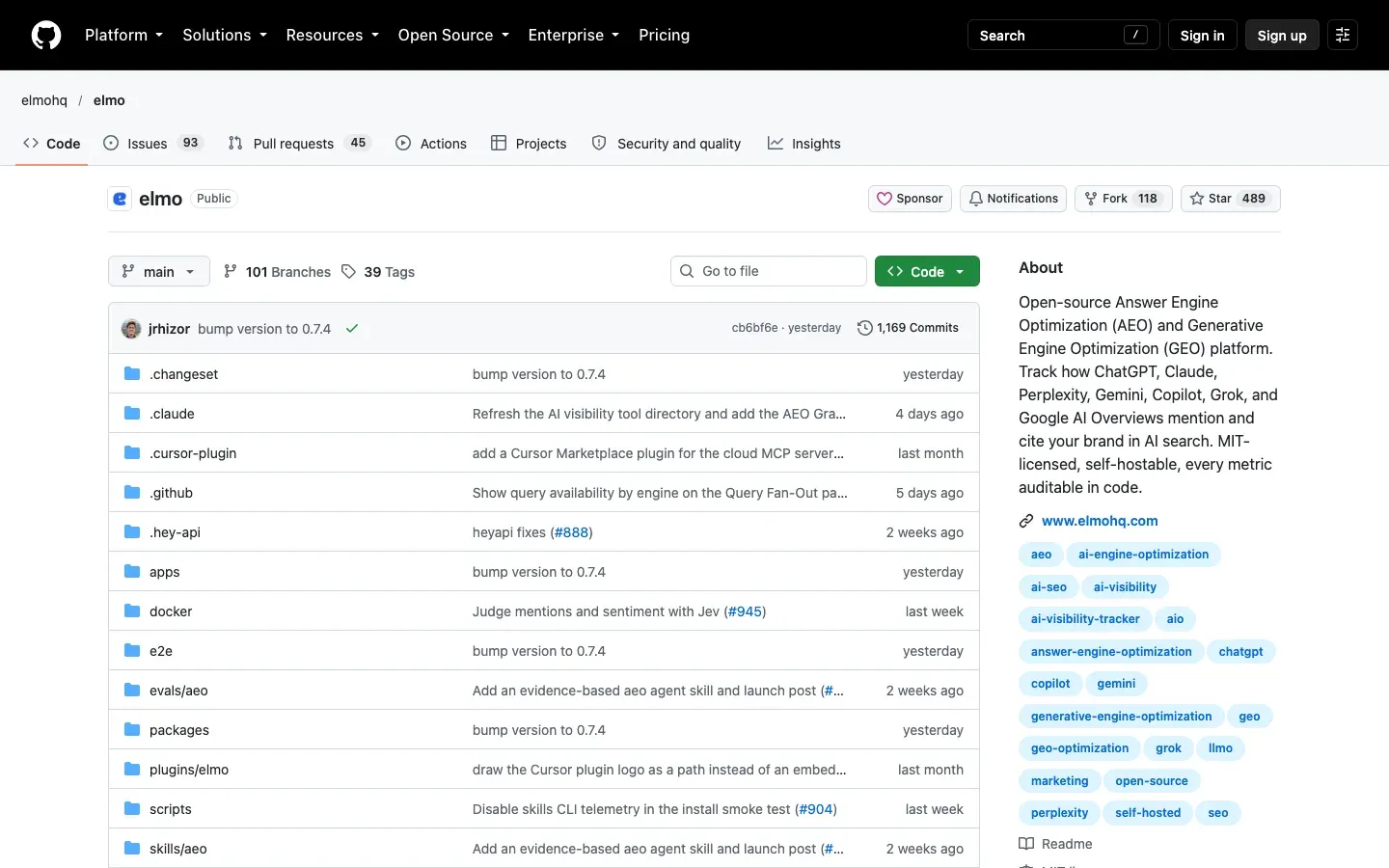
Elmo is a full AEO platform that you self-host with Docker Compose. A background worker runs each prompt several times a day by default and stores the raw output in your own PostgreSQL. The dashboard reports visibility, share of voice, sentiment, citations and the web searches each engine ran, and the same data is available over a REST API and an MCP server. You choose the data source for each engine: a scraping provider for ChatGPT, Gemini, Copilot, Perplexity, AI Mode and AI Overview, or a model API (OpenAI, Anthropic, Mistral, OpenRouter) for Claude and other models. cloro is one of the scraping providers, and Elmo’s providers guide calls it “the primary data provider for Elmo Cloud”. Mention and sentiment checks also need a key for TypeSafe’s model, which the README puts at about $0.15 to $0.35 per 1,000 answers.
GEO/AEO Tracker (built on Bright Data)
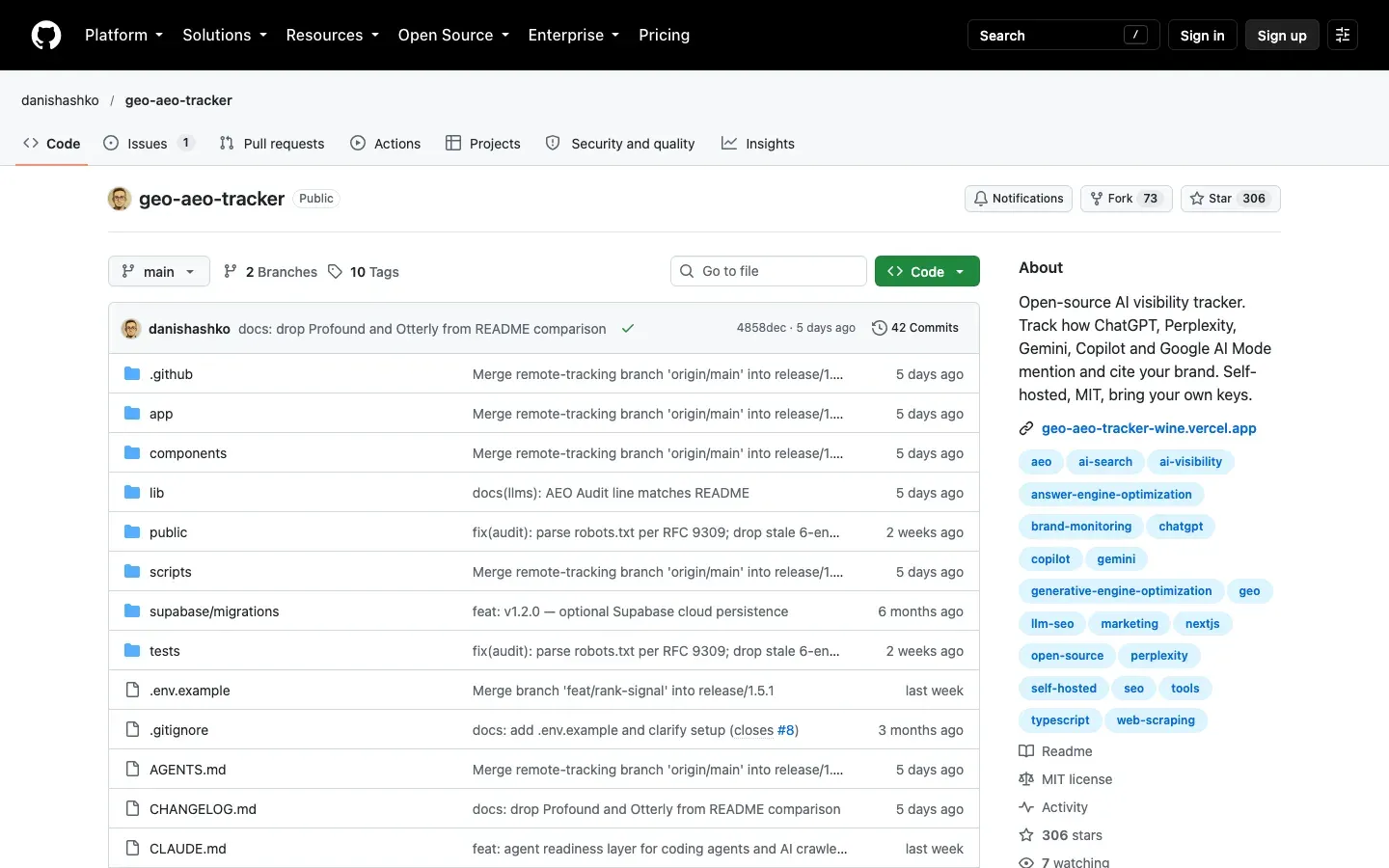
Bright Data introduced GEO/AEO Tracker on its blog in March 2026, and the code is on GitHub. Its dashboard has a prompt hub, persona prompt variants, citation and competitor views, an AEO site audit and a 0 to 100 score per run. Results stay in your browser by default, so a second device or a teammate sees them only after you connect your own Supabase project. You bring Bright Data, OpenRouter and Gemini keys, and each bills per call.
OneGlanse
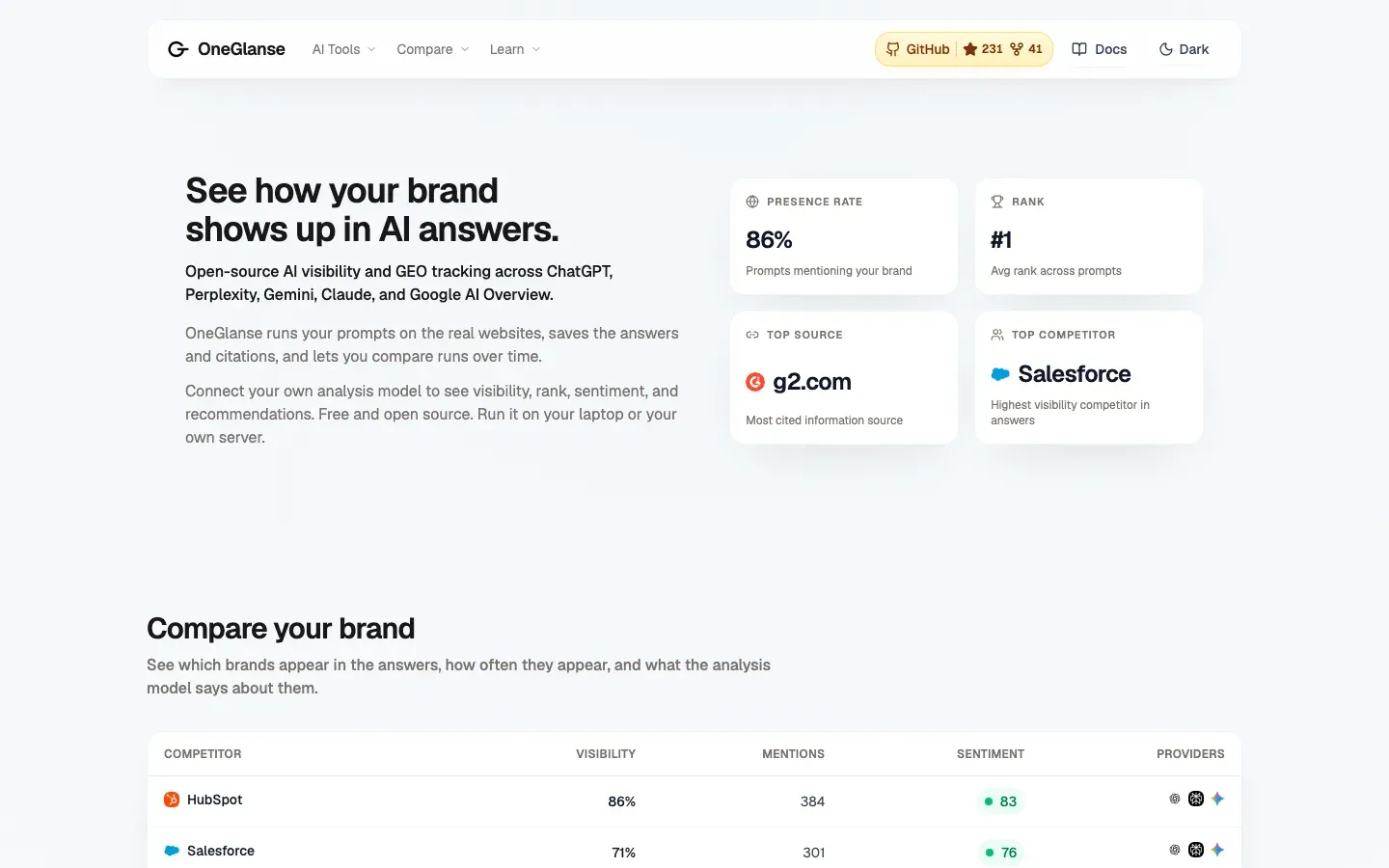
OneGlanse opens each AI product in an automated browser (Camoufox with Playwright) and runs the prompt as a signed-in user, with your own accounts. That makes it the only tracker here that collects answers from the Claude app itself. Its README points out that answers can vary by account, location and time. For scheduled runs you self-host it with Docker Compose, which needs a server, a domain, the provider accounts, an analysis model key and a residential proxy.
Limelit Open
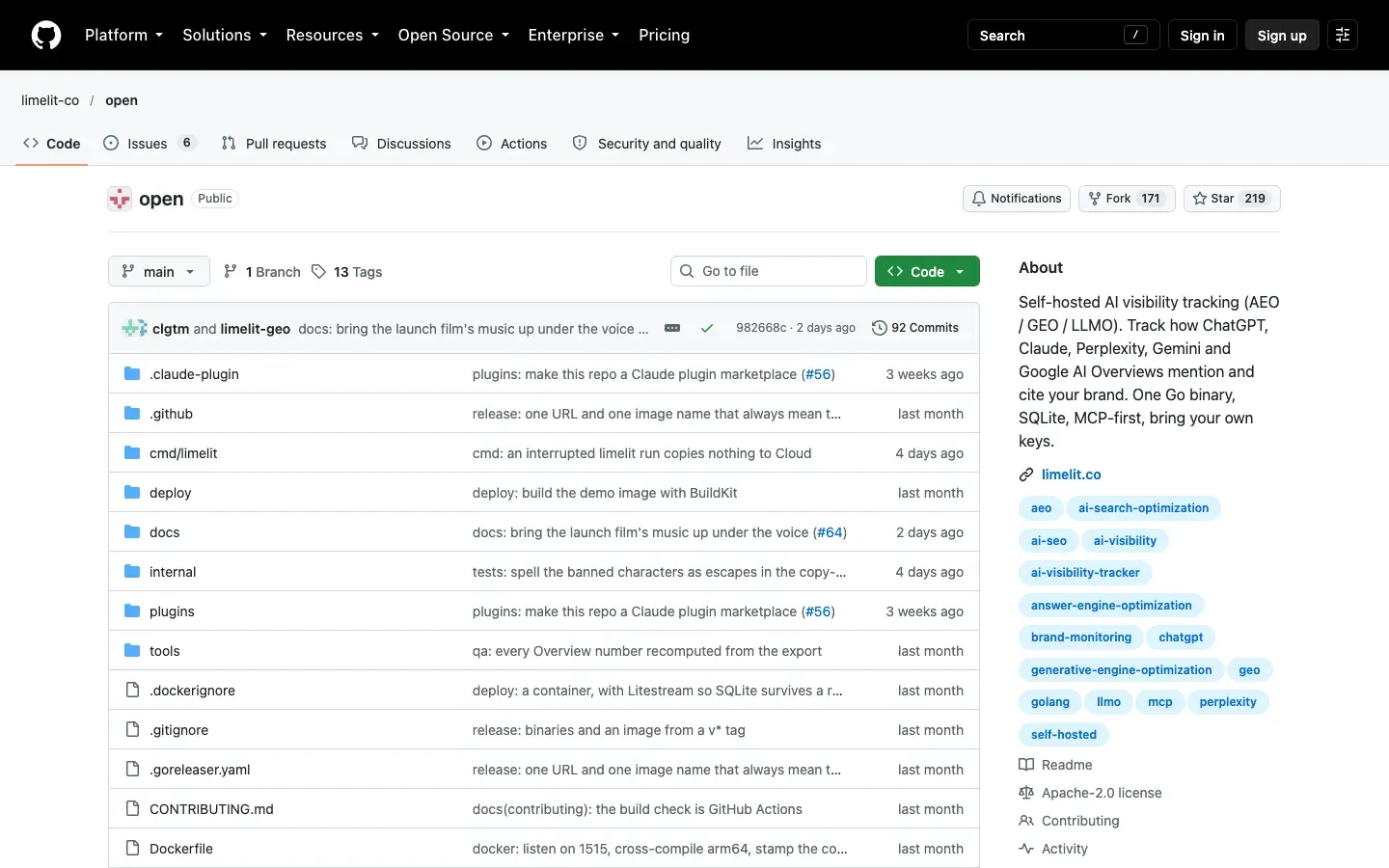
Limelit Open is one Go binary with its own SQLite database and a built-in dashboard, so you do not run Docker or Postgres. ChatGPT, Claude, Perplexity and Gemini answers come from the vendors’ APIs with web search on. AI Overview, AI Mode and Copilot have no API, so those come through a scraper, DataForSEO or SearchApi, and ChatGPT can come through one too. It runs prompts daily or hourly and includes an MCP server. The README labels the project pre-release.
Canonry
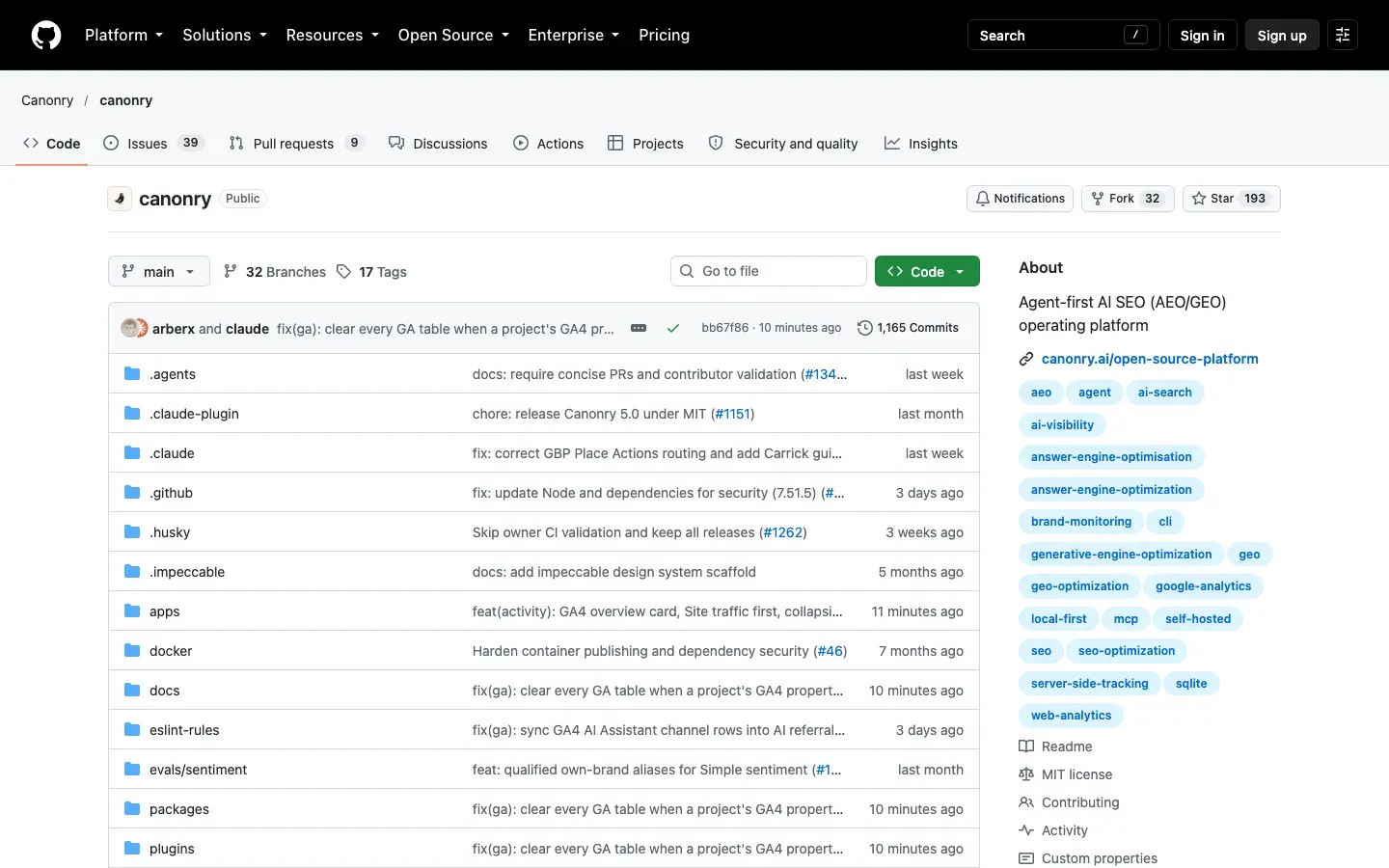
Canonry is built for agents first: a CLI, an MCP server and a REST API, with a web UI over the same data in SQLite. It reads answers from model APIs with your own keys (Gemini, OpenAI, Claude, Perplexity, OpenRouter, Exa, Parallel or a local model) on a schedule, and it also connects search and traffic data so you can see what changed after you act. Because it reads APIs, its answers can differ from what people see in the AI products.
Ansvisor
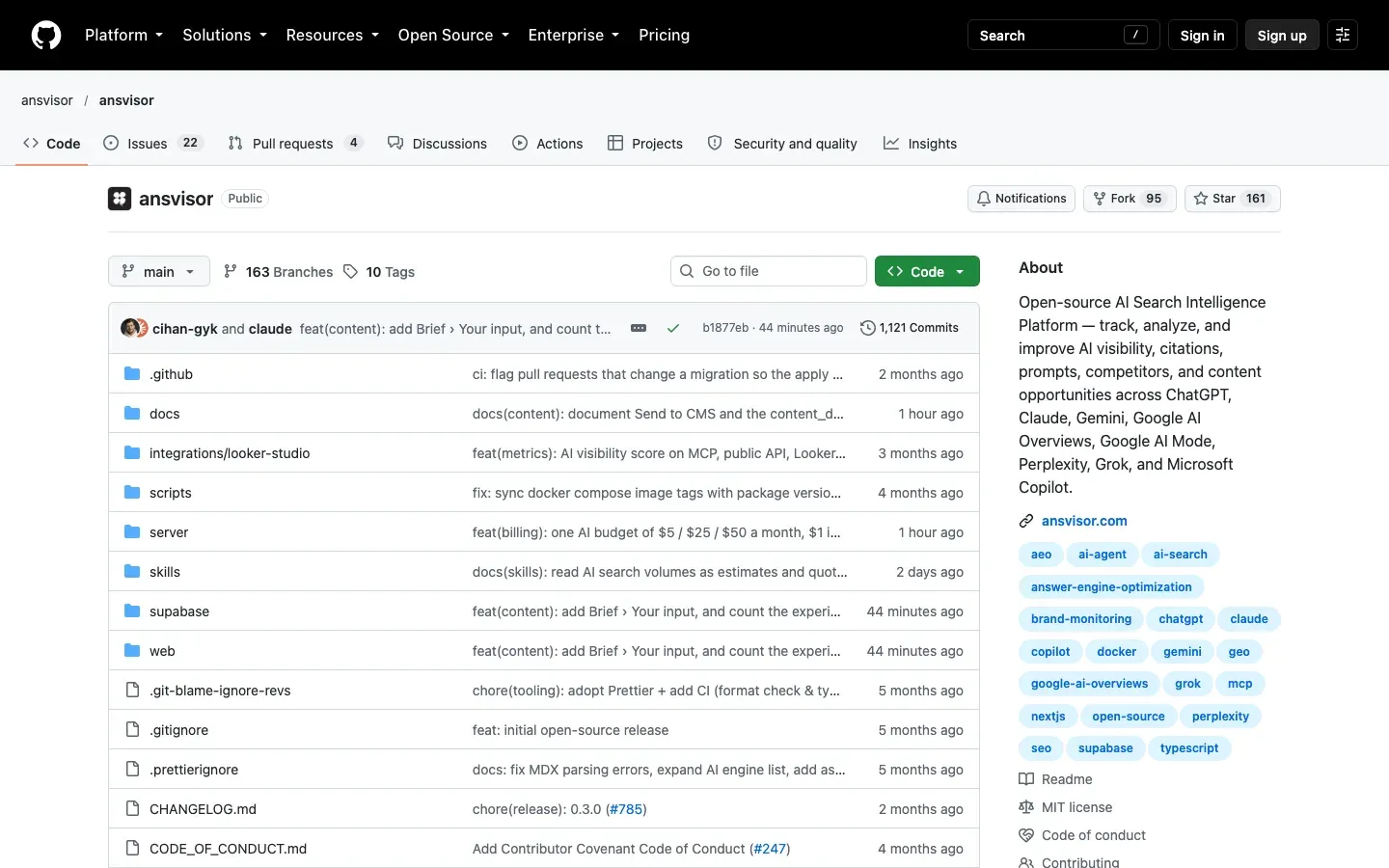
Ansvisor is a dashboard and MCP server on Supabase that you run with Docker Compose or Node. It needs a cloro API key: cloro collects the ChatGPT, Gemini, Copilot, Perplexity, AI Mode and AI Overview answers, and model APIs add Claude. Tracking runs in a nightly cycle, and the platform adds site audits and content suggestions on top. Ansvisor Cloud is the hosted version.
How geo-tracker gets its answers
geo-tracker never opens a browser and never signs in anywhere. It sends each due prompt to the cloro API as an async task. cloro collects the answer from the engine’s own interface and posts the parsed result back to your deployment by webhook.
scheduler tick ──► GET /api/cron ──► POST api.cloro.dev/v1/async/task  (one per due prompt and engine)
                                       │
cloro finishes the answer ─────────────┴──► POST /api/webhook ──► results row in your Postgres
Three things follow from that design:
- You measure the answer people see. A model API and the product built on it give different answers: Surfer’s study of 1,000 prompts found only 21.3% to 31.6% overlap between the brands named in interface answers and in API answers, and 4.8% overlap in ChatGPT’s cited domains. For this reason geo-tracker, Ansvisor, GEO/AEO Tracker and OneGlanse collect from the products, and Elmo and Limelit Open let you choose per engine.
- cloro uses logged-out sessions, so responses reflect what an unauthenticated visitor sees, and you have no accounts, browsers or proxies to maintain.
- Results arrive by webhook, so no serverless function waits for a scrape to finish. If a webhook is missed, the next scheduler run polls for that result and fills it in.
Deploy it in about a minute
The flow is short: click Deploy, Vercel forks the repo and creates the database, you paste two values, and the tracker is live.
- Get a cloro API key. Sign up on the free plan, which includes 500 credits a month: enough to test one prompt daily on three engines.
- Generate one secret. Run
openssl rand -hex 32. This value is the bearer token for your API and your MCP endpoint, and the scheduler uses it too. It is namedCRON_SECRETbecause Vercel’s scheduler only authenticates through a variable with that name. - Click Deploy in the README. Vercel clones the repo into your GitHub account. Add the Postgres database on the Free plan, paste
CLORO_API_KEYandCRON_SECRET, and deploy. The build creates the tables, so there is nothing to install or migrate. - Check it. Call any endpoint without the token. A healthy deployment answers
401 Unauthorized.
Connect your agent and ask questions
Point any MCP client at your deployment. In Claude Code:
claude mcp add --transport http geo-tracker \
  https://<your-app>.vercel.app/api/mcp \
  --header "Authorization: Bearer <CRON_SECRET>"
Then ask in plain words: “Add a prompt asking what the best CRM tools for a small startup are. Track it on ChatGPT, Gemini and Perplexity, four times a day. Run it now and show me the results.” The agent calls create_prompt, then run_prompt, then get_results, and results usually land within a minute.
The agent has nine tools: list_prompts, create_prompt, run_prompt, get_results, get_result, list_brands, track_brand, untrack_brand and get_brand_visibility. Questions that work well once it is connected:
- “Which brands does Gemini name when asked about us, and how has that changed this month?”
- “Run every prompt now and summarize what changed since yesterday.”
- “Which of our pages get cited in AI answers, and which never do?”
The same actions are plain REST calls, so a script or a CI job can drive the tracker too:
curl -X POST https://<your-app>.vercel.app/api/prompts \
  -H "Authorization: Bearer $CRON_SECRET" \
  -H "Content-Type: application/json" \
  -d '{"name": "best crm tools", "prompt": "What are the best CRM tools for a small startup?", "engines": ["chatgpt", "gemini", "perplexity"], "country": "US", "runsPerDay": 4}'
This MCP server is your own deployment, with your own history. If you only want an agent to read live search and AI results, with nothing stored, cloro’s hosted MCP server does that with no deployment.
Being named and being cited are different outcomes
Tell geo-tracker which brands to look for, with their aliases and domains, and it turns every answer into rows you can query:
curl -X POST https://<your-app>.vercel.app/api/brands \
  -H "Authorization: Bearer $CRON_SECRET" \
  -H "Content-Type: application/json" \
  -d '{"name": "Acme", "aliases": ["Acme Corp"], "domains": ["acme.io"], "isOwn": true}'
It stores two outcomes separately: whether the answer named the brand in its text, and whether it cited one of the brand’s domains as a link. An answer can recommend you without linking you, or link you without naming you, and the fix for each is different. Adding a brand re-scores every answer already stored, so a brand you add today has full history from the first run.
geo-tracker does not score or rank answers. It records whether a name or a domain is present and leaves the interpretation to you or your agent.
How often to run each prompt
Each prompt has a runsPerDay from 1 to 24. How often that actually happens depends on how often something calls the scheduler:
- Vercel Cron is built in and needs no setup. On Vercel’s free Hobby plan it runs once a day, so every prompt runs at least daily.
- The included GitHub Actions workflow calls the scheduler every hour, for free. Set one repository variable and one secret to turn it on.
- Any external scheduler, such as cron-job.org, works the same way with the bearer token.
Set the run count from the read you plan to make. About 300 answers in a period resolves a visibility rate to roughly plus or minus 5 percentage points. To read one engine week by week, 11 prompts at 4 runs a day gives about 308 answers, and 22 prompts at 2 runs a day gives the same. Daily reads of a small prompt set are noise, so read weekly or monthly.
What it costs to run
Hosting is free at the sizes most teams start with, so cloro credits are the running cost. geo-tracker sends async requests, which skip the 2-credit sync surcharge, so each answer costs the engine’s base price: 5 credits for ChatGPT and Copilot, 4 for Gemini, Perplexity and AI Mode, and 3 for Google Search and Google News (provider pricing).
| Workload | Credits a day | Credits a month (30 days) | Plan that covers it | Storage a month |
|---|---|---|---|---|
| 1 prompt × ChatGPT, Gemini, AI Mode × once a day | 13 | 390 | Free (500 credits) | About 2 MB |
| 10 prompts × ChatGPT, Gemini, AI Mode × once a day | 130 | 3,900 | Lite, $30 (37,500 credits) | About 23 MB |
| 20 prompts × ChatGPT, Gemini, AI Mode, Copilot × 4 a day | 1,440 | 43,200 | Hobby, $100 (250,000 credits) | About 240 MB |
Storage figures are from the geo-tracker README, which measured 10 to 30 KB per raw answer, plus about 5 KB for the source and brand tables built from it.
On Vercel’s free tier, the database fills before anything else. Function calls are not the limit: geo-tracker makes one call per answer plus one per scheduler run, about 1,000 a month at 10 prompts a day and about 10,000 at the third row, against the 1 million a month the free tier includes. The free 0.5 GB of storage lasts about 1.8 years at 10 prompts a day and about two months at the third row, so past light use, schedule a retention query that deletes old answers.
When a dashboard is the better choice
geo-tracker has no user interface. If nobody on your team will connect an agent or write a SQL query, a dashboard fits better. Elmo, GEO/AEO Tracker, OneGlanse and Ansvisor are open source ones, and our comparison of LLM visibility tracking tools covers the paid options. The repo ships a Grafana starter dashboard, but it shows run volume, success rate, credit use and failures. Share of voice comes from querying the brand tables, or from asking your agent.
If you would rather build the whole pipeline yourself, AI visibility tracking with cloro gives you the same answers, sources and citations that geo-tracker stores, through one API. The build versus buy guide walks through when each route pays off.

About the author
Ricardo Batista
Founder, cloro
Ricardo is one of the founders and engineers behind its SERP and AI-search scraping infrastructure. Before cloro he scaled a financial comparison site to $7M ARR and ran the full-country operations of a unicorn to $65M ARR, then went back to building. He writes about search engine scraping, generative-engine optimization, and turning live search and AI-answer data into something teams can act on.
Frequently asked questions
Is there an open source AI visibility tracker?
Yes. In October 2026 at least seven are active: geo-tracker from cloro, an MCP server that stores answers in your own Postgres; Elmo, a full dashboard you run with Docker Compose; GEO/AEO Tracker, a dashboard built on Bright Data's AI Scraper API; OneGlanse, which runs prompts through your own signed-in AI accounts; Limelit Open, a single binary with SQLite; Canonry, an agent-first tool that reads model APIs; and Ansvisor, a dashboard that collects answers through cloro. All are MIT licensed except Limelit Open, which is Apache 2.0.
Can I self-host an AI visibility tracker for free?
The hosting can be free. geo-tracker fits Vercel's free tier, database included, until storage runs out. The answers themselves cost money with every open source tracker, because something has to collect them. With geo-tracker that is cloro credits: one prompt on ChatGPT, Gemini and AI Mode once a day uses 390 credits a month, which fits in the 500 free credits cloro gives every month.
Which AI engines does geo-tracker track?
ChatGPT, Gemini, Microsoft Copilot, Perplexity and Google AI Mode, plus Google Search and Google News. You choose the engines per prompt. It does not track Claude.
Does geo-tracker have a dashboard?
No. Every feature is an MCP tool and a REST endpoint, so an AI agent, a script or a SQL query reads the data. The repo includes a Grafana starter dashboard for run volume, success rate, credit use and failures, which is an operations view. Share of voice comes from querying the brand tables.
How many times a day should I run each prompt?
Enough that each period you read has about 300 answers, which resolves a visibility rate to roughly plus or minus 5 percentage points. For a weekly read of one engine, 11 prompts at 4 runs a day gives about 308 answers. One run a day of a few prompts is fine for a monthly trend and too thin for a weekly one. The sample-size study has the math.
Related reading

AI Visibility Sample Size: How Many Prompts and Runs
How many prompts and daily runs AI visibility tracking needs before a trend is real, measured with paired same-model runs minutes apart.
Best LLM & AI Visibility Tools 2026: 12 Tested
We tested 12 LLM visibility tools (also sold as AI visibility trackers and checkers) on real brand-monitoring workflows across ChatGPT, Perplexity, and Gemini. What works, what doesn't.
AI Search Visibility Build vs Buy: What Each Costs
Should you build or buy AI search visibility tracking? Compare platform costs, API spend, engineering hours, maintenance, and break-even points.