
Microsoft Copilot API: Official APIs vs Scraping

On this page
Is there a “Microsoft Copilot API”?
When someone asks for “the Microsoft Copilot API,” they usually picture an OpenAI-style endpoint that takes a prompt and returns Copilot’s answer. That single, public endpoint does not exist today.
What exists instead is a family of enterprise APIs. At Build 2025, Microsoft launched the first wave of Microsoft 365 Copilot APIs, a lineup of five: Interactions Export, Change Notifications, Meeting Insights, Retrieval, and Chat. Every one is reached through REST under the Microsoft Graph /copilot/ namespace and authenticated with Microsoft Entra ID.
Microsoft states these APIs are “only available for Microsoft 365 Copilot licensed users,” and they run entirely within the Microsoft 365 trust boundary. So a Microsoft Copilot API, in the official sense, is an enterprise extensibility tool rather than a window into the public web. It helps you build agents grounded in your organization’s own content and permissions. It was never designed to report on the consumer Copilot answer that a stranger sees.
The five APIs are still in preview: treat integrations as a moving target
The APIs shipped at different maturity levels. Interactions Export, Change Notifications, and Meeting Insights entered public preview at Build, and the Retrieval API followed shortly after in public preview. The Chat API began as a private preview and remains a preview surface documented under the Graph /beta version. None of that is a footnote you can ignore: terms of use, endpoints, and limits can all change before general availability, so treat any Microsoft Copilot API integration as a moving target until Microsoft marks it generally available.
What the official Copilot APIs return
Three of the five APIs are the ones most developers actually reach for.
The Chat API — synthesized, grounded answers
The Microsoft 365 Copilot Chat API is the closest thing to the endpoint people imagine. It lets you “programmatically engage in multi-turn conversations with Microsoft 365 Copilot while using enterprise search grounding and web search grounding.” You hand it a prompt, and it hands back a fully synthesized answer.
Microsoft’s docs put the appeal plainly: you “don’t need to egress data, break permissions, or compromise on security and compliance.” You also avoid building your own vector index, large-language model, and orchestration layer, because this Microsoft Copilot API does the grounding and synthesis inside the tenant.
Mechanically, you work with it as a conversation over two Graph calls. You first create a conversation with POST /beta/copilot/conversations, which returns a 201 Created and a conversation ID. You then continue it against the synchronous endpoint, which returns the full reply in one 200 OK response. A streamed endpoint returns server-sent events with a text/event-stream content type for progressive rendering.
The Chat API supports delegated (work or school) permissions only, and application permissions are not supported at all. Its least-privileged delegated scopes include Sites.Read.All, Mail.Read, and People.Read.All, and today the endpoint is limited to the global Microsoft cloud. It is not available in the US Government or China-operated deployments.
Grounding gives you a useful amount of control on each message. You can supply OneDrive and SharePoint files as context, and you can toggle web search grounding on or off. Note that toggling web search off is a single-turn action, so you must disable it again on every message where you don’t want it.
What the Chat API deliberately does not do is the most telling part. It “only responds with textual responses,” and never creates files, sends emails, or schedules meetings. It has no code interpreter, no graphic-art tool, and no support for long-running tasks, which are prone to gateway timeouts. This is an answer engine bounded by your tenant, not a general-purpose agent.
Because the Chat API uses Microsoft 365’s built-in security and compliance features, data-source permissions and compliance settings are preserved on every call. Sensitive content from one user is never exposed to another, and answers stay grounded in the enterprise search index rather than a stale copy.
The response is richer than plain text under the hood: each reply comes back as a copilotConversation whose messages can carry attributions — annotations and citations that point back to the grounding source, such as a SharePoint file or a Teams event. Messages also carry a sensitivityLabel, so the tenant’s information-protection markings travel with the answer.
The Retrieval API — permission-trimmed text chunks
The Microsoft 365 Copilot Retrieval API is the RAG primitive rather than an answer engine. Instead of synthesizing a reply, it returns “relevant text chunks from the hybrid index that powers Microsoft 365 Copilot.” You then feed those chunks to your own model for generation.
That hybrid index is Copilot’s semantic index, a combined lexical and semantic map of your organization’s data in Microsoft Graph. The chunks it returns come from three data sources: SharePoint, OneDrive, and Copilot connectors. Every result is permission-trimmed, so a user only ever sees content they are already allowed to access. That trimming is the whole reason to reach for this Microsoft Copilot API instead of a homemade index.
You can scope a retrieval with Keyword Query Language (KQL). A filterExpression lets you filter by URL, date range, file type, and more. If your KQL syntax is wrong, the query still runs and simply returns unscoped results, which is an easy failure mode to miss.
The queryString caps at 1,500 characters and should be a single sentence, maximumNumberOfResults caps at 25, and you get up to 200 requests per user per hour. Each extract carries a relevanceScore, defined as “the cosine similarity between the queryString and the extract, normalized to the 0-1 range.”
Content limits apply on top of those quotas. Retrieval from tables is limited to .doc, .docx, and .pptx files, and images and charts are not supported at all. Files over 512 MB for .docx, .pptx, and .pdf, or 150 MB for other types, are skipped entirely. This is grounding data for your own model, not finished prose.
SharePoint and OneDrive retrieval require Files.Read.All and Sites.Read.All, while Copilot connector retrieval requires ExternalItem.Read.All. Get the scopes wrong and the call returns nothing useful. Those scopes are how this Microsoft Copilot API inherits the tenant’s existing security model.
Microsoft’s guidance comes down to two design choices. Keep each queryString to a single, context-rich sentence, and avoid generic queries that could match a wide range of content. Microsoft also recommends sending every returned extract to your model, rather than trimming the result count, unless your own token budget forces the issue.
The filtering is what makes this API viable for regulated work. Finance and legal apps can scope a filterExpression to specific document libraries or content types, so answers only ever draw on approved sources. Multi-source apps can combine SharePoint and OneDrive content with Copilot connector data, building one governed knowledge base that spans Microsoft 365 and third-party repositories.
Export, Change Notifications, and Meeting Insights — the audit layer
The remaining three APIs round out compliance and analytics, and each describes activity inside your tenant. They live under the same Graph /copilot/ namespace, where the interaction history and admin controls sit as related resources.
The Interactions Export API exports Copilot interactions — prompts, responses, and metadata — for auditing, compliance reporting, and usage analytics across surfaces like Teams and Outlook. Change Notifications let you subscribe to those interactions in near real time, so you get updates without repeatedly polling the API. Meeting Insights returns AI-generated summaries, action items, and decisions from Teams meetings, built for follow-up automation and CRM enrichment. All three run under the same identity and governance controls, and none of them touch the public web.
Getting started with the Copilot APIs
That flow is broadly consistent across each Microsoft Copilot API in the family. Every call goes through Microsoft Graph on the /beta version for now. You register an Entra ID app, request the delegated Graph scopes, acquire a token, and call a path under /copilot/.
You can also try before you write any code. Graph Explorer supports the synchronous Chat and Retrieval calls, though streamed conversations are not supported there, and Microsoft ships an interactive Retrieval demo. Both let you inspect a live request and response against your own Microsoft 365 data.
By using any of these endpoints, you agree to the Microsoft 365 Copilot APIs preview terms of use. Read them carefully before you build a production integration on a preview API.
Is there a Python API for Copilot?
There is no separate Python-only Copilot API. Microsoft’s overview describes the Copilot APIs as standard REST APIs under graph.microsoft.com/v1.0/copilot and graph.microsoft.com/beta/copilot, usable “from any programming language or platform that supports HTTP requests.” In Python that means the same flow as any Graph call: get an Entra ID token, then send the request with an HTTP client such as requests. The auth plumbing is the same one other Graph APIs use, so a team that already calls Graph from Python has no new token work.
Copilot APIs vs. Microsoft Graph APIs
Both live in Microsoft Graph, but they do different jobs. Microsoft puts it this way: Graph APIs “provide CRUD operations on Microsoft 365 data,” while the Copilot APIs “deliver AI-powered capabilities built on Microsoft 365 data.” Use Graph to read or change a file, mail or event; use a Copilot API when you want AI to reason over that data. The license follows the job: Graph works under standard Microsoft 365 terms, and the Copilot APIs need a Microsoft 365 Copilot license.
The catch: tenant-scoped, license-gated, enterprise-only
Every official Microsoft Copilot API shares four traits: it is scoped to your Microsoft 365 tenant, gated behind a Copilot license, authenticated through Entra ID with specific Graph scopes, and grounded in your organization’s own data.
Licensing has exactly one partial exception worth flagging. The Retrieval API offers pay-as-you-go consumption for users without a Copilot add-on license, billed at $0.10 per API call. That option covers tenant-level sources only, meaning SharePoint and Copilot connectors, while user-level sources such as OneDrive are excluded, and it remains a preview feature.
That model is exactly right when you build an internal agent over corporate knowledge. It is exactly wrong when your question is about the public web instead.
What the official APIs don’t return
“Microsoft Copilot” is really two products: the enterprise Microsoft 365 Copilot that these APIs serve, and the consumer Copilot at copilot.microsoft.com that anyone can use for free.
What you would be capturing is worth knowing before you build for it. Across roughly 2,500 prompts per engine, Copilot grounded 97.5% of its answers in live sources but averaged only 4.6 sources per answer, against 14.1 for ChatGPT and 9.5 for Perplexity. On a 2026-08-19 re-measurement it read 91.8% at 4.5 sources, and that thin citation set is the most stable number on the panel of engines we measured. Copilot almost always cites, and it cites few, so its citation slots are the scarcest of any reliably-grounding engine. For brand monitoring that cuts both ways: presence is harder to win, and worth more when you have it.
No official Microsoft Copilot API lets you query that consumer surface. There is no endpoint that returns the rendered public answer, with the web sources and citations a public user actually sees. The APIs report on your tenant’s private activity, and they don’t expose the public-facing answer surface at all.
So one very common question has no API answer. When a stranger asks Copilot about your category, what does it say, and does it cite you? None of the five APIs can tell you, because that is a monitoring problem rather than an extensibility one.
Which Copilot API should you use?
Match the API to the job, and the choice gets simple.
- Building an agent over tenant data? Use the Chat API for synthesized replies, or the Retrieval API for raw chunks you feed to your own model.
- Feeding an existing LLM with grounded context? The Retrieval API is the RAG primitive built for exactly that.
- Auditing or reporting on Copilot usage? Interactions Export plus Change Notifications cover the compliance surface.
- Automating meeting follow-ups? Meeting Insights returns the summaries and action items you need.
- Measuring what consumer Copilot tells the public? No official Microsoft Copilot API fits, so you need the rendered consumer surface instead.
The first four are extensibility jobs that live inside your tenant. The last one is a visibility job, and it sits entirely outside the official API.
Scraping consumer Copilot — when you actually need it
For brand and citation monitoring in AI search, the public answer is the whole point. Capturing it means working with the rendered consumer surface rather than an API, and that is the exact problem cloro’s how-to-scrape-Copilot guide walks through.
What you need is what a real user actually sees: the consumer Copilot answer, its web-grounded citations, and the source metadata behind each one. None of that data is exposed by any official Microsoft Copilot API.
It is worth knowing what that costs before you commit to it, because the consumer surface behaves nothing like an API on the two axes that decide your architecture. Over four weeks (20 July to 16 August 2026) we ran 61,298 consumer-Copilot requests through cloro’s fleet and timed each one end to end.
The median answer took 63.4 seconds. The 99th percentile took 1,292 seconds, about twenty-one minutes. That is a twentyfold spread between the middle and the tail, and the widest of the seven engines we monitor. A Chat API call returns in a normal request cycle; the consumer surface does not, and any design that assumes it will is going to lose data rather than fail.
The consequence is architectural, not a tuning detail. Nothing synchronous survives a 21-minute p99, so consumer-Copilot collection wants a queue and a callback, not a request-response handler. And a timeout picked to keep the handler responsive drops answers non-randomly: the slow Copilot responses are the heavily-researched ones carrying the most citations, which is precisely the sample a visibility programme is trying to measure. A quiet, citation-biased hole in the data is worse than a loud failure.
Copilot also returns few sources per answer, averaging 4.6 against ChatGPT’s 15.8 in our July panel, while writing among the longest answers (4,157 median characters). Re-measured on 2026-10-07 it listed 5.2 per grounded answer, just above Google AI Mode’s 4.9 and far below ChatGPT’s 36.5, so it is no longer the single thinnest. Budget for reading a lot of prose to extract a short citation list.
Use the official APIs when you build enterprise agents over your own tenant data, and use a scraped consumer surface when you measure what Copilot tells the public. That second job is exactly what AI visibility tracking requires.
Where cloro fits
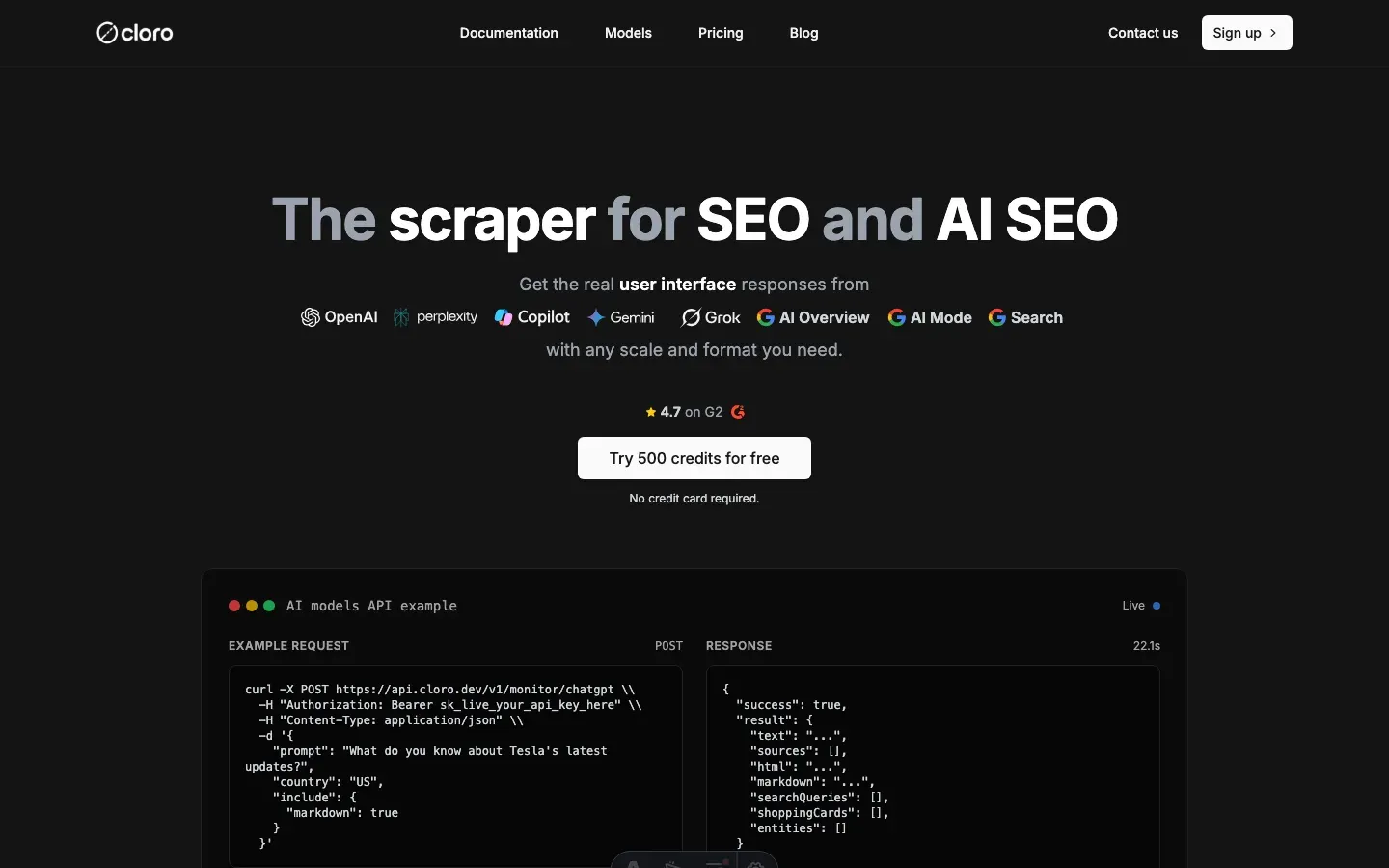
cloro sits firmly on the monitoring side of that line. It captures the consumer Copilot answer and its citations as structured data, which is the same surface the official APIs never expose. One endpoint covers Copilot alongside ChatGPT, Perplexity, Gemini, and Google’s AI surfaces, so you can compare visibility across engines from a single feed.
If you’re deciding between wiring up the Microsoft Copilot API family and monitoring public AI answers, they solve genuinely different problems. The APIs are for building on your tenant, while a managed scraper is for measuring the public web. For the Copilot-side implementation details, the Copilot scraping guide has the full walkthrough.
Is there an API for Microsoft Copilot answers?
Microsoft does not sell a public API that returns consumer Copilot answers; the official surfaces are for building your own copilots. cloro fills that gap: one REST call returns the consumer answer with sources parsed, at 5 credits, success-billed, on the same schema as the other six engines.
Conclusion
“Is there a Microsoft Copilot API?” has a more interesting answer than most people expect. The official APIs are real and well documented, but they are enterprise extensibility tools: licensed, tenant-scoped, and grounded on your organization’s data.
What they never return is the public Copilot answer that everyone else sees. So the right tool depends entirely on the job at hand. Build with the Microsoft 365 Copilot APIs when you work inside your tenant, and capture the consumer surface when you need to know what Copilot tells the rest of the world.

About the author
Ricardo Batista
Founder, cloro
Ricardo is one of the founders and engineers behind its SERP and AI-search scraping infrastructure. Before cloro he scaled a financial comparison site to $7M ARR and ran the full-country operations of a unicorn to $65M ARR, then went back to building. He writes about search engine scraping, generative-engine optimization, and turning live search and AI-answer data into something teams can act on.
Frequently asked questions
Is there a Microsoft Copilot API?
Not a single one. Microsoft ships a family of Microsoft 365 Copilot APIs — Chat, Retrieval, Interactions Export, Change Notifications, and Meeting Insights — launched at Build 2025. They're enterprise extensibility APIs for building agents grounded in your organization's Microsoft 365 data, not a public endpoint for querying consumer Copilot.
What does the Microsoft 365 Copilot Chat API return?
It returns synthesized, textual answers to multi-turn prompts, grounded in enterprise search and web search within the Microsoft 365 trust boundary. You can get a full reply from the synchronous endpoint or a stream of server-sent events from the streamed endpoint. It returns text only — no file creation, emails, or code interpreter.
Do the Copilot APIs work without a Microsoft 365 Copilot license?
Mostly no. The Chat API and most Copilot APIs are only available to Microsoft 365 Copilot licensed users. The one exception is the Retrieval API, which offers pay-as-you-go consumption for tenant-level data sources (SharePoint and Copilot connectors) for non-licensed users.
Can I use the Copilot API to see what consumer Copilot tells the public?
No. The official APIs are tenant-scoped and ground on your organization's data. There's no official API that returns the public answer — with its web citations — that consumer Copilot shows an anonymous user. For that you have to capture the rendered consumer surface.
What is the difference between the Copilot API and scraping Copilot?
The official APIs return enterprise-grounded answers and text chunks from your Microsoft 365 data, gated behind a Copilot license and Entra ID. Scraping the consumer Copilot surface captures the public web-grounded answer and its citations that real users see — the data you need for AI-visibility monitoring, which the APIs never expose.
Is there a Python API for Copilot?
Not a dedicated one. The Microsoft 365 Copilot APIs are REST endpoints under Microsoft Graph, so you call them from Python like any Graph API: get an Entra ID token, then send HTTP requests to the /copilot/ paths.
What is the difference between the Copilot APIs and Microsoft Graph APIs?
Graph APIs give CRUD access to Microsoft 365 data under standard license terms. The Copilot APIs add AI reasoning over that data, such as grounded chat and retrieval, and need a Microsoft 365 Copilot license.
Related reading

How to Scrape Copilot: WebSocket Events and Citations
Learn how to scrape Microsoft Copilot: capture WebSocket events, parse Bing-grounded citations, and compare DIY automation with managed APIs.

How to Scrape Gemini: API, URL Context, and Web UI
Learn how to scrape Gemini with the API, URL context, or web UI automation. Compare structured outputs, citations, and anti-bot trade-offs clearly.

How to Scrape Perplexity: API vs Web Interface
Learn how to scrape Perplexity with the official API, structured outputs, or web UI automation. Compare sources, citations, and trade-offs clearly.