
Best Web Scraping Tools 2026: 11 Tested Options

On this page
Choosing between the best web scraping tools comes down to a single question: what breaks first? For most teams the answer is brittle selectors, unrendered JavaScript, an aggressive anti-bot wall, or simply the patience of the engineer maintaining the pipeline. The right tool is the one that absorbs your specific failure mode, not the one with the longest feature list.
Developers usually reach first for Scrapy or Playwright, while AI teams gravitate toward Firecrawl, Crawl4AI, or a dedicated LLM extraction API. Non-technical teams want a no-code platform they can operate from a browser, and most production stacks end up with a managed scraping API somewhere in the chain to handle proxies and unblocking. Because those needs pull in different directions, the best web scraping tools are best understood by category rather than as one ranked leaderboard.
This guide compares the main categories and names a leading pick in each, so you can match a tool to your constraints instead of guessing. If you already know you need LLM extraction, read AI web scraping next; if you work in Python, our deeper look at Python scraping libraries breaks down the parsing stack in more detail.
How we chose the best web scraping tools
Our methodology favored observed behavior over vendor marketing. We judged each tool against the situations that actually break scrapers — plain static pages, JavaScript-rendered single-page apps, and sites sitting behind Cloudflare or Akamai — and rated them on five criteria: setup effort, JavaScript rendering, resistance to anti-bot blocking, output format, and cost at scale. Maintenance burden carried extra weight in the ranking, because a scraper that shatters on every layout change stays expensive even when the software itself is free. The eleven picks below are grouped by the job each one does best, so you can shortlist by constraint rather than chase a single universal winner.
The web scraping market in 2026: access rules have hardened
Whichever category you pick, the access rules have hardened, and we measured how far. We fetched the robots.txt of the 1,058 most-prominent domains in cloro’s citation and organic corpus, of which 88% resolved, and found training crawlers disallowed far more often than retrieval ones: CCBot at 17.8% and GPTBot at 13.9% against OAI-SearchBot at 3.4% (AI crawler blocks study). Roughly one site in eight returns no usable robots.txt at all, so whatever tool you choose needs a defined behaviour for that case rather than a crash.
The term “web scraping” now covers three distinct categories of software, and picking the wrong category is the most common reason data projects stall. Each category trades cost against effort in a predictable way, so naming your budget and your engineering capacity usually points you straight at the right tier.
- Open source libraries. You build the bot, host it, and handle the blocks yourself, which means the lowest direct cost but the highest ongoing effort.
- Scraping APIs. You send a URL and receive clean HTML or JSON in return, while the provider handles proxies and CAPTCHAs behind the scenes for a medium cost and low effort.
- No-code platforms. You point and click in a visual builder while the cloud does the collecting, which delivers the lowest effort at the highest per-record cost.
The trend worth watching is the shift toward LLM-ready extraction across all three tiers. Tools like Firecrawl are steadily replacing generic HTML parsers because they convert messy pages into clean Markdown for retrieval-augmented generation (RAG) pipelines, which removes an entire cleanup step that teams used to write by hand. That single change is why several of the best web scraping tools in 2026 look more like AI infrastructure than traditional crawlers.
How to choose the right web scraping tool
Still unsure which of the best web scraping tools fits your situation? Start from your hardest constraint — budget, deadline, output format, or coding ability — because that single limit usually eliminates most of the field before you compare features. The decision matrix below maps the four constraints we hear most often to a concrete recommendation.
- “I’m a developer with zero budget.” Reach for Playwright when the target renders content with JavaScript, and Beautiful Soup when the page is static HTML you only need to parse.
- “I need to scrape 100,000 pages by tomorrow and I have a budget.” Use ZenRows or Bright Data, because the engineering time you save on proxies and unblocking pays for the subscription many times over.
- “I’m building an AI app and need context for my LLM.” Choose Firecrawl, since it handles the Markdown formatting that a RAG pipeline would otherwise force you to build.
- “I don’t code but I need data.” Browse AI is the most approachable starting point, with Hexomatic close behind when you need enrichment steps after the scrape.
There is rarely one best web scraping tool for an entire company. Most teams end up combining an open-source library for routine jobs with a managed API for the sites that fight back, and that layered approach is usually cheaper and more reliable than forcing every use case through a single vendor.
Best free and open-source web scraping tools
If you write code and want full control, start in this tier. The best open-source web scraping tools cost nothing to license and expose every knob you could want, but you pay for that freedom in setup and maintenance time. These four cover the range from lightweight parsing to full-scale crawling frameworks.
1. Playwright
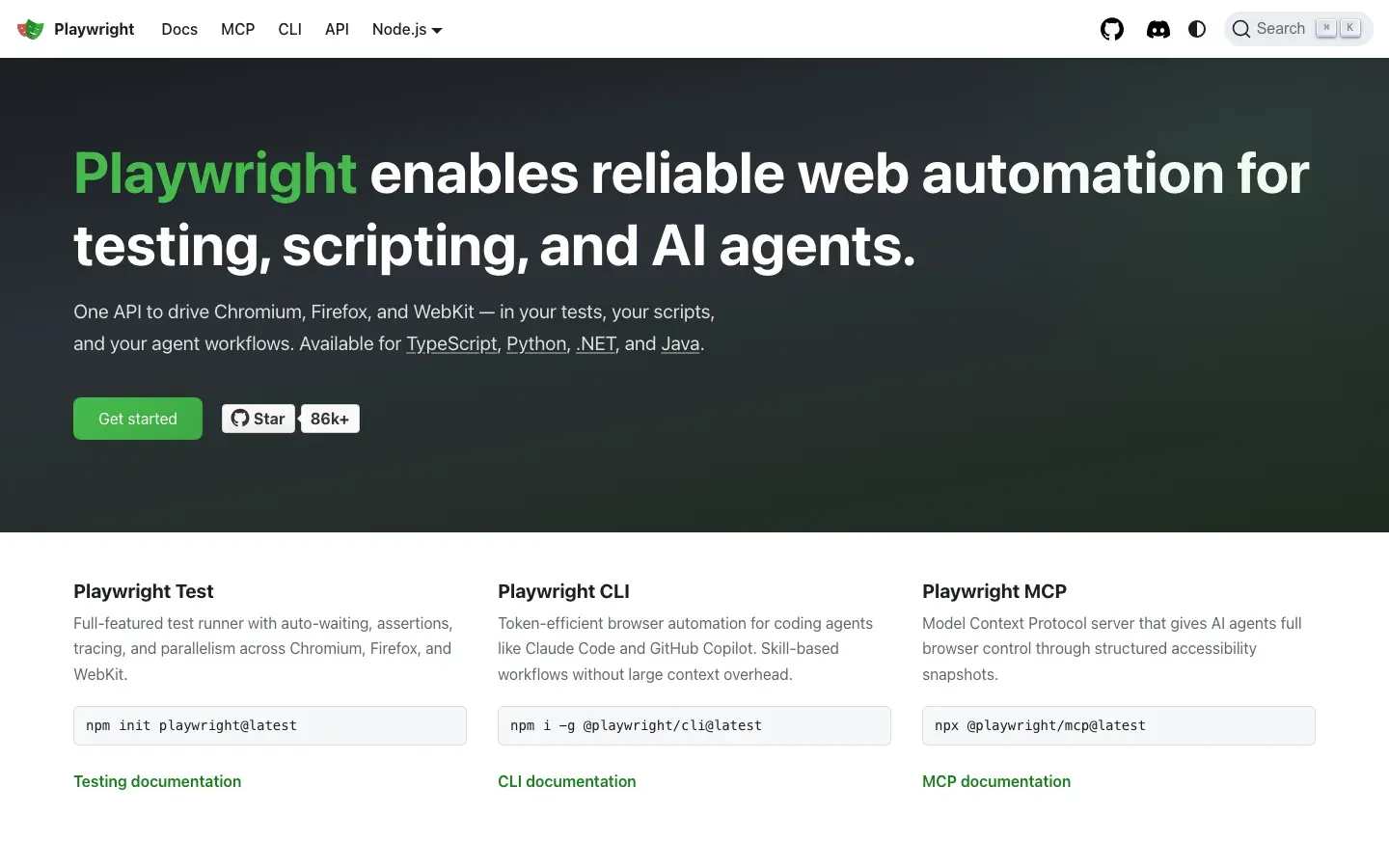
Built by Microsoft, Playwright has largely replaced Puppeteer and Selenium as the default choice for modern browser automation, and it drives Chromium, WebKit, and Firefox through a single consistent API. It is faster and more reliable than the older libraries, handling modern web features like the Shadow DOM and nested frames without the flaky workarounds those tools once required. With official support for multiple languages including Python and Node.js, it slots into almost any stack, which is why it tops most shortlists for dynamic, JavaScript-heavy sites.
Best for: scraping dynamic websites built with React, Vue, or Angular that render their content client-side.
Pros:
- Cross-browser support works out of the box with no extra drivers.
- Auto-wait functionality reduces flaky scripts by pausing until elements are ready.
- Headless mode runs fast enough for production-scale crawling.
Cons:
- Resource usage is heavier than a plain HTTP library because it launches a full browser.
- You have to manage browser binary updates as new versions ship.
2. Beautiful Soup
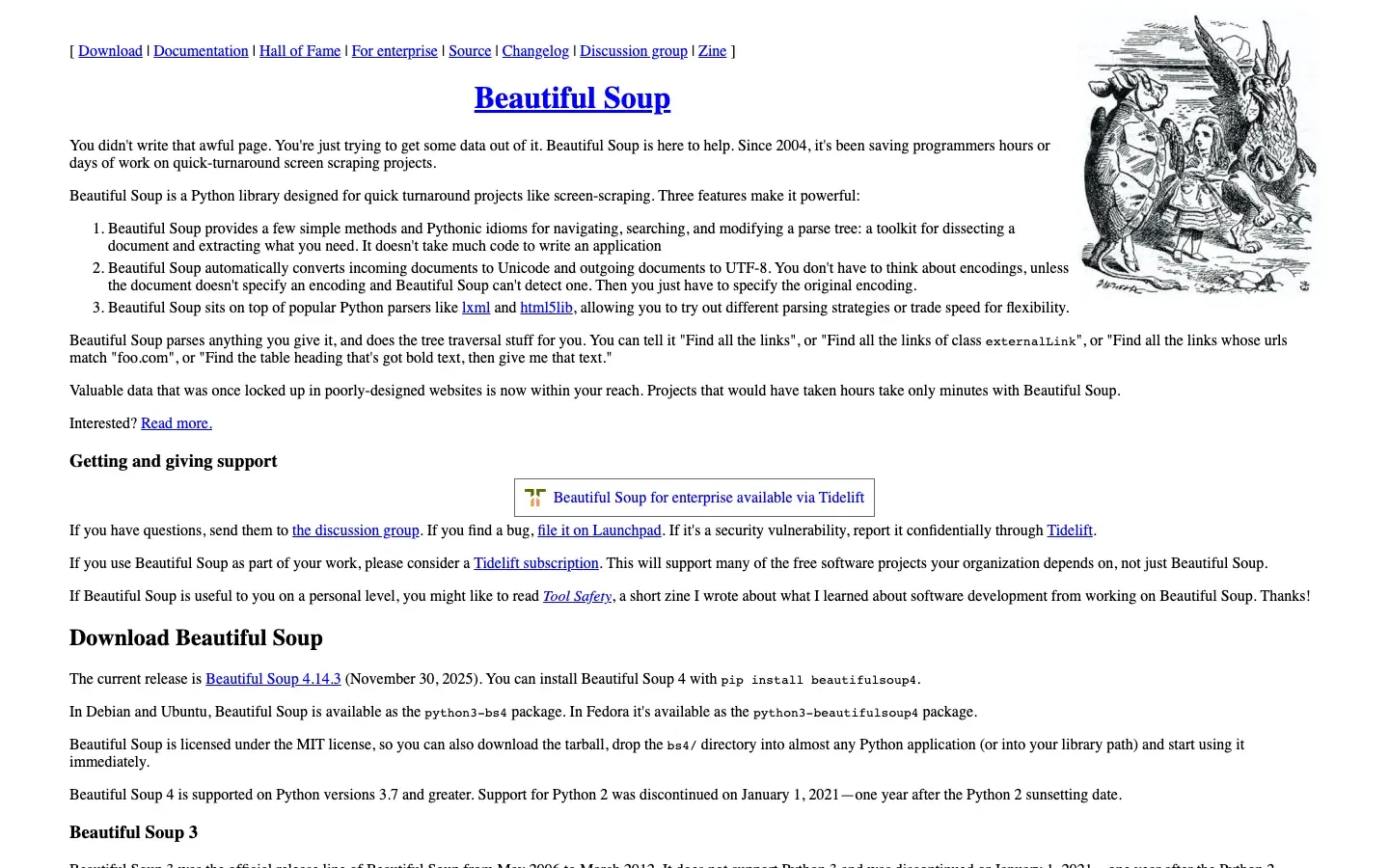
Beautiful Soup is the Python classic that anyone learning to scrape meets first. It does not fetch pages on its own, so you pair it with requests or httpx, but once it has the page source it parses HTML better than almost anything else by building a navigable parse tree you can walk hierarchically. Its real strength is tolerance: it stays forgiving of messy, broken markup that would trip a stricter parser, and the syntax reads cleanly enough that beginners are productive within an afternoon.
Best for: static sites and simple, one-off data extraction where JavaScript is not involved.
Pros:
- Easy to learn, with the gentlest curve of any tool on this list.
- Lightweight and fast for parsing small to medium documents.
- Backed by a huge community and years of tutorials and documentation.
Cons:
- Cannot execute JavaScript, so client-rendered content stays invisible to it.
- Slower than
lxmlwhen you push it across massive datasets.
3. Scrapy
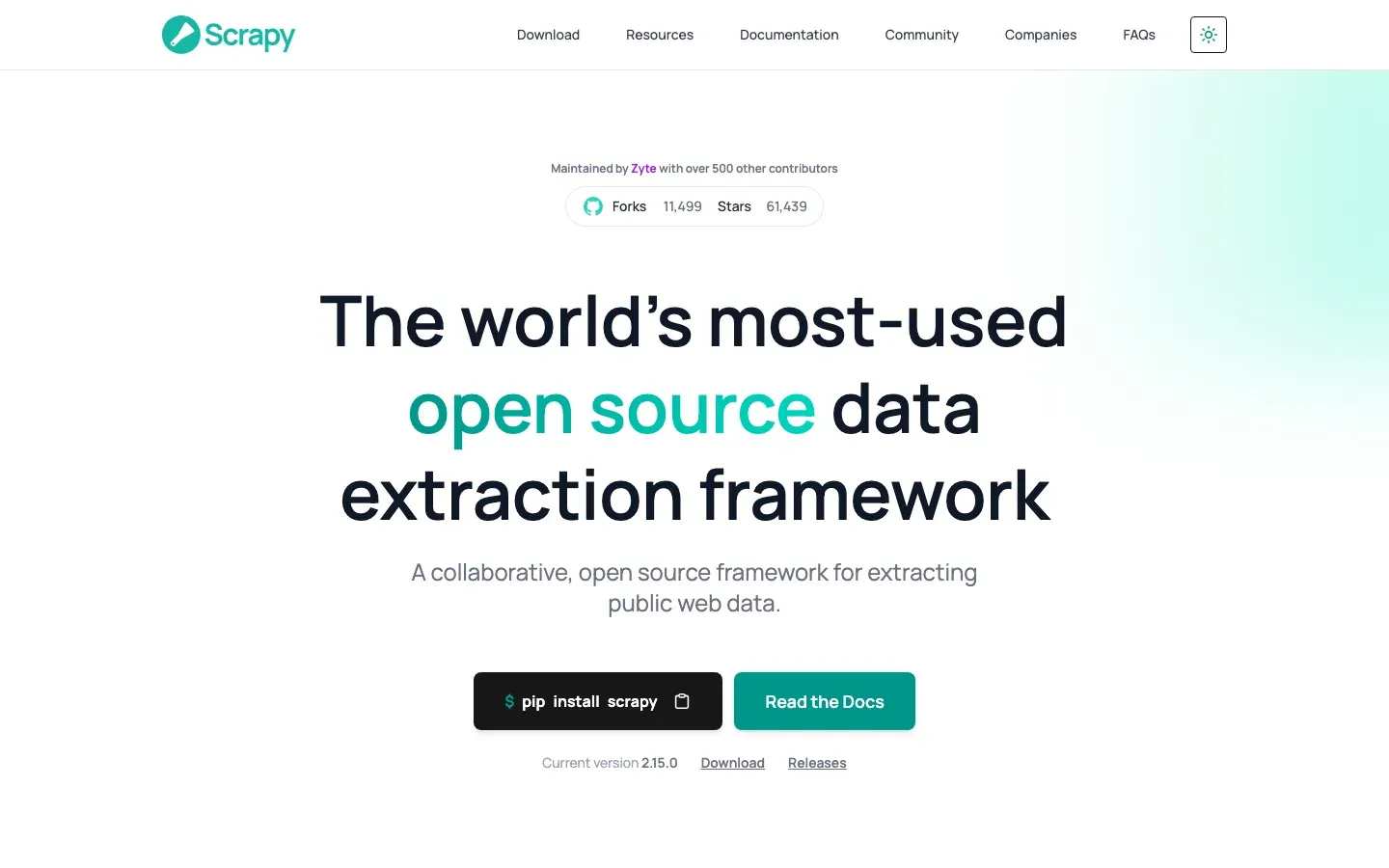
Scrapy is the heavyweight framework of the group, a full ecosystem for building spiders, managing request queues, and exporting structured data with built-in selectors for pulling fields out of HTML and XML. Its defining advantage is raw speed, because it is asynchronous to the core and can crawl thousands of pages per minute without you writing any concurrency code yourself. That power suits large datasets, though the same architecture is overkill when you only need a quick one-off script.
Best for: large-scale crawling projects, such as archiving an entire news site or catalog.
Pros:
- Built-in throttling and concurrency management keep you from hammering a target.
- An extensive middleware ecosystem adds proxies, user-agent rotation, and retries.
- Exports directly to JSON, CSV, or XML with no glue code.
Cons:
- The learning curve is steep compared with Beautiful Soup.
- The framework is far more than a small, occasional scraping job needs.
4. Crawlee
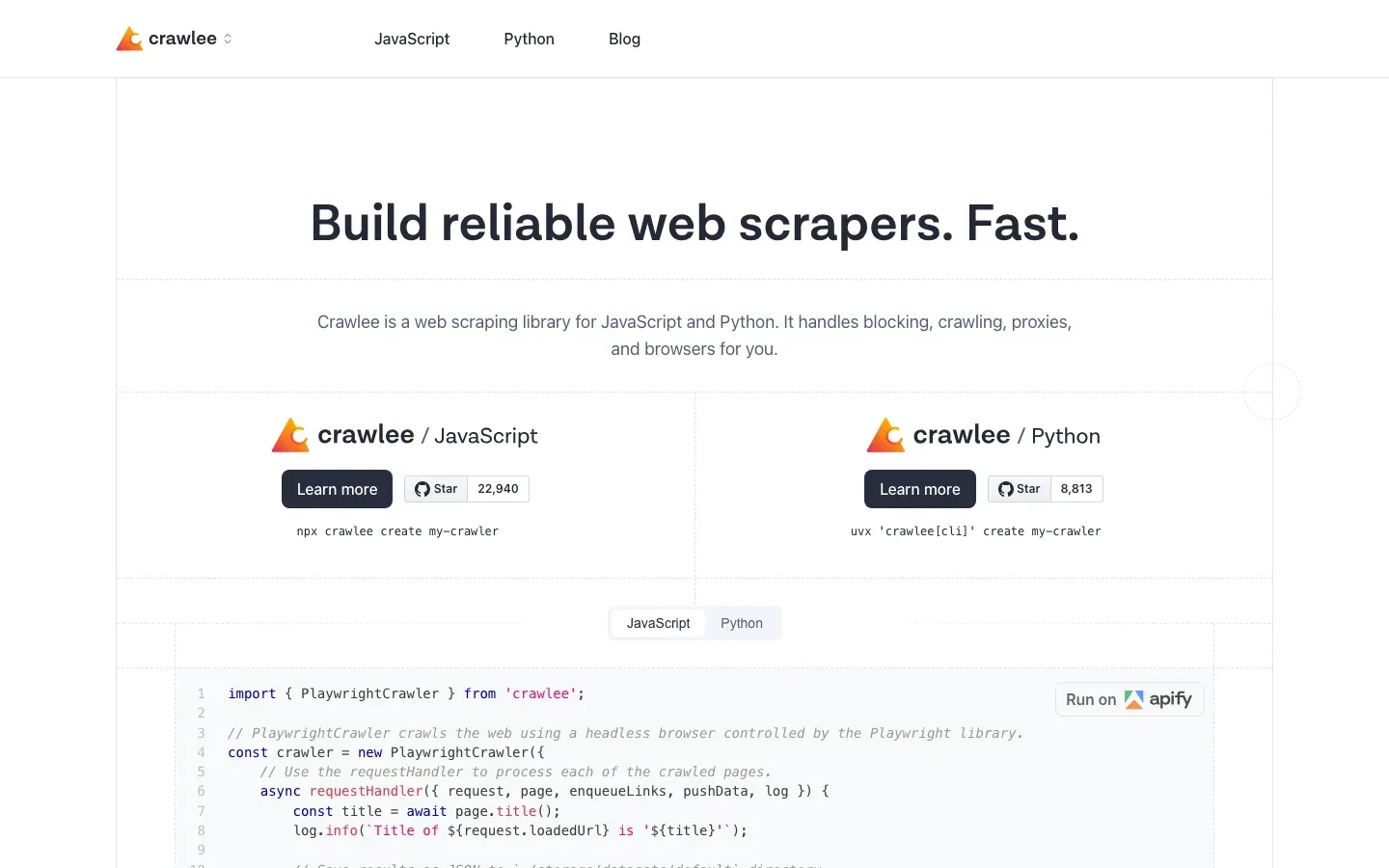
Crawlee is a modern web scraping and browser-automation library for Node.js that wraps Playwright and Puppeteer with anti-blocking features baked in. It earns its place by automatically managing proxies, browser fingerprints, and session storage, so you spend your time on extraction logic rather than on evading detection. It suits JavaScript developers who want a batteries-included toolkit rather than a pile of loose dependencies.
Best for: JavaScript and Node.js developers who want anti-blocking handled for them.
Pros:
- A unified interface covers both plain HTTP and full browser crawling.
- Auto-scaling adjusts concurrency based on the resources your machine has free.
- Built-in storage handles request queues and scraped datasets without extra services.
Cons:
- It runs on Node.js only, which leaves Python teams out.
- The ecosystem is younger and thinner than Scrapy’s.
Best web scraping tools for data extraction at scale (APIs)
When you get tired of watching your IP land on a ban list, you graduate to a scraping API. These services own the hard infrastructure — proxies, unblocking, and browser rotation — so you send a URL and receive the data without operating any of it yourself. They are the best web scraping tools for data extraction once volume and reliability start to matter more than saving on subscription cost.
1. ZenRows
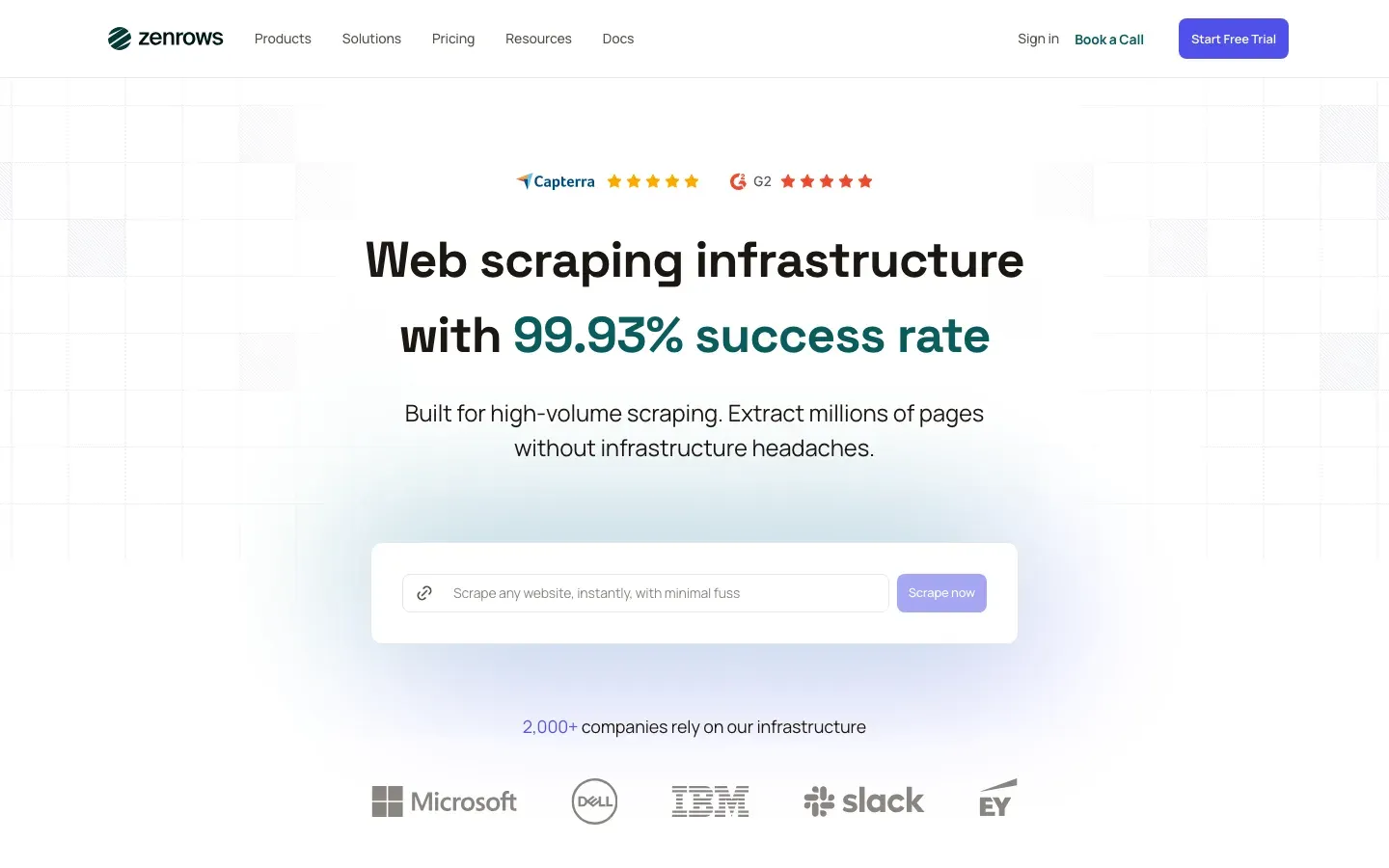
ZenRows is a developer-first API built specifically around evasion, and its anti-bot bypass is among the strongest on the market. It clears Cloudflare Turnstile and Akamai challenges more consistently than most competitors, which is exactly what you want when the target has invested in keeping scrapers out. The API returns standard HTML or JSON, so it drops into an existing pipeline with a single request change rather than a rewrite.
Best for: developers who mainly need to get past aggressive anti-bot protection.
Pros:
- A high success rate on protected sites that block simpler scrapers outright.
- A simple API that works with
requests,axios, or any HTTP client. - A generous free tier that makes testing painless before you commit.
Cons:
- Costs can climb at very high request volumes.
- It ships fewer pre-built datasets than the largest competitors.
2. Bright Data
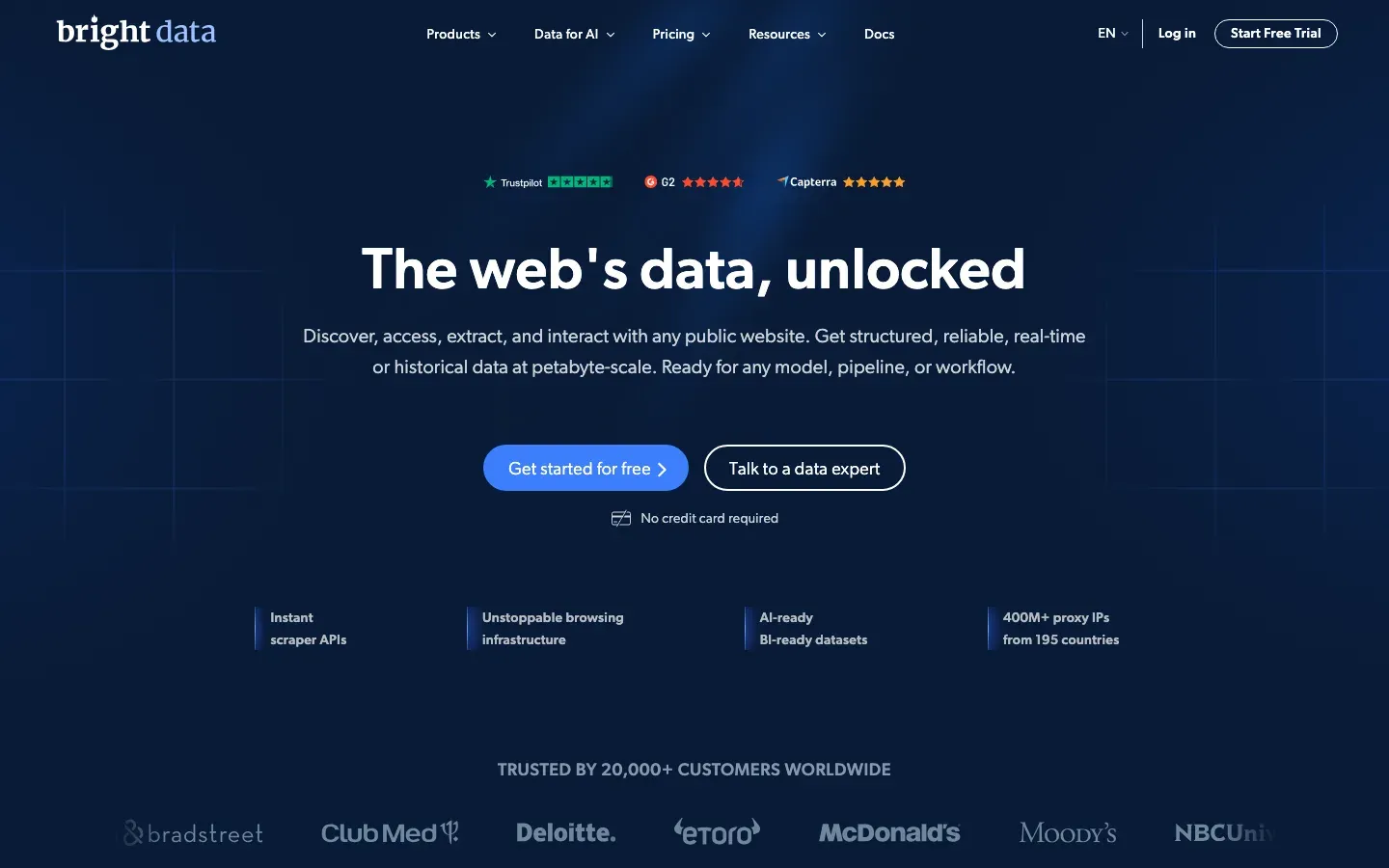
Bright Data is the enterprise giant of the space, and it owns the underlying infrastructure end to end. Its standout product is the Scraping Browser, a headful browser hosted on Bright Data’s servers that you drive through the familiar Puppeteer API, which gives you library-level control paired with the reach of a massive proxy network. For buyers actively comparing managed APIs against this stack, our Bright Data alternatives breakdown lays out where cheaper options hold up and where they fall short.
Best for: enterprise-scale data collection where compliance and uptime are non-negotiable.
Pros:
- One of the largest residential proxy networks available anywhere.
- Compliant, ethically sourced traffic that reduces legal exposure.
- Solid support and formal service-level agreements for large accounts.
Cons:
- Pricing is firmly at the enterprise tier.
- The dashboard is dense and can overwhelm newcomers.
3. Firecrawl
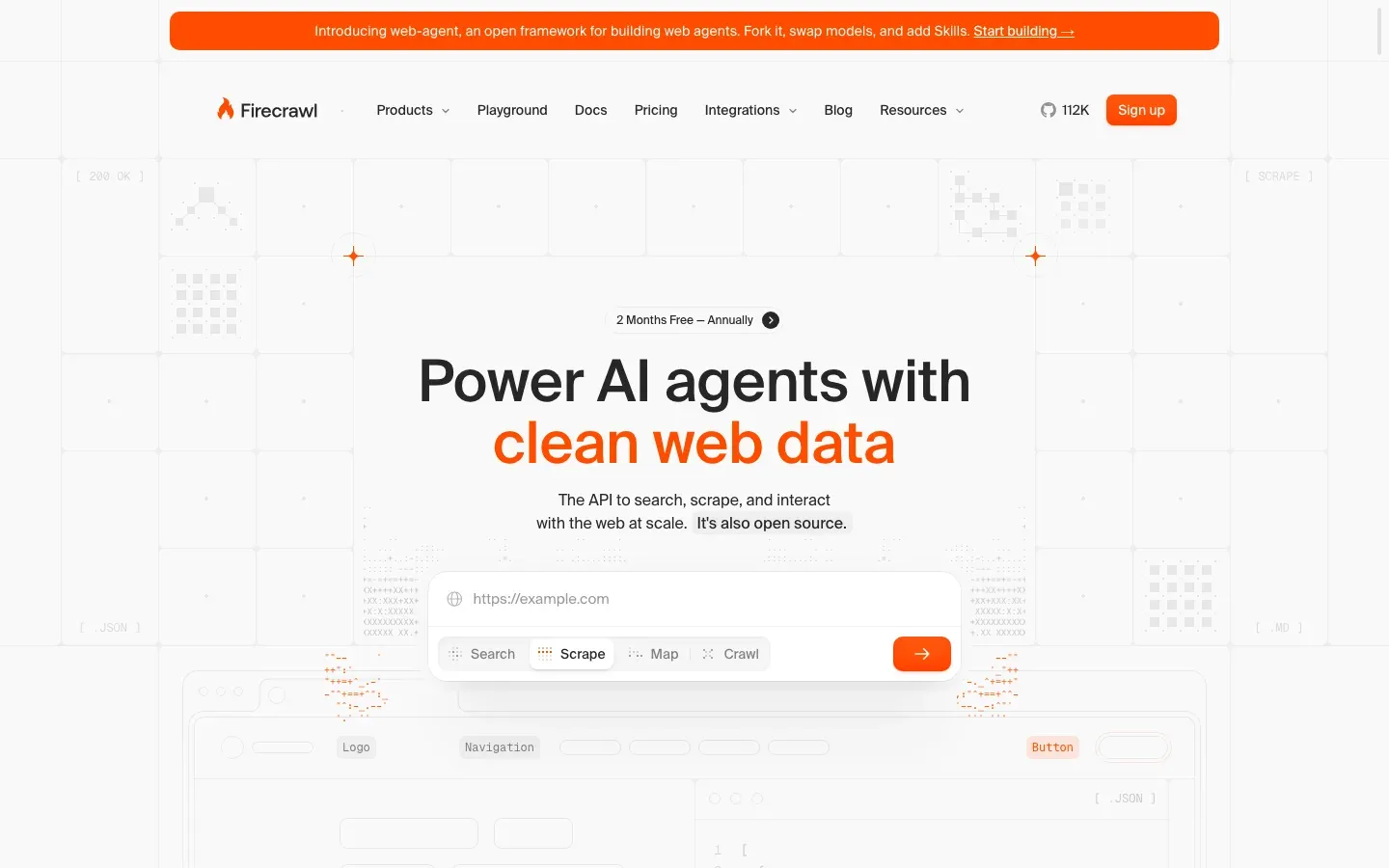
Firecrawl is the AI-native choice, and its core trick is turning any website into clean Markdown. Where most scrapers hand you tangled HTML to untangle later, Firecrawl returns text already formatted for an LLM context window, and it handles crawling subpages automatically so you can ingest a whole site in one job. That makes it one of the best AI web scraping tools for anyone feeding a retrieval pipeline rather than a spreadsheet.
Best for: building RAG applications and AI agents that need page content as language, not raw markup.
Pros:
- Output is optimized for vector databases and LLM context windows.
- It manages crawl depth and subdomains automatically.
- An open-source version is available for teams that want to self-host.
Cons:
- It offers less granular control over individual CSS selectors.
- The product is still relatively new compared with the incumbents.
4. ScrapeBadger
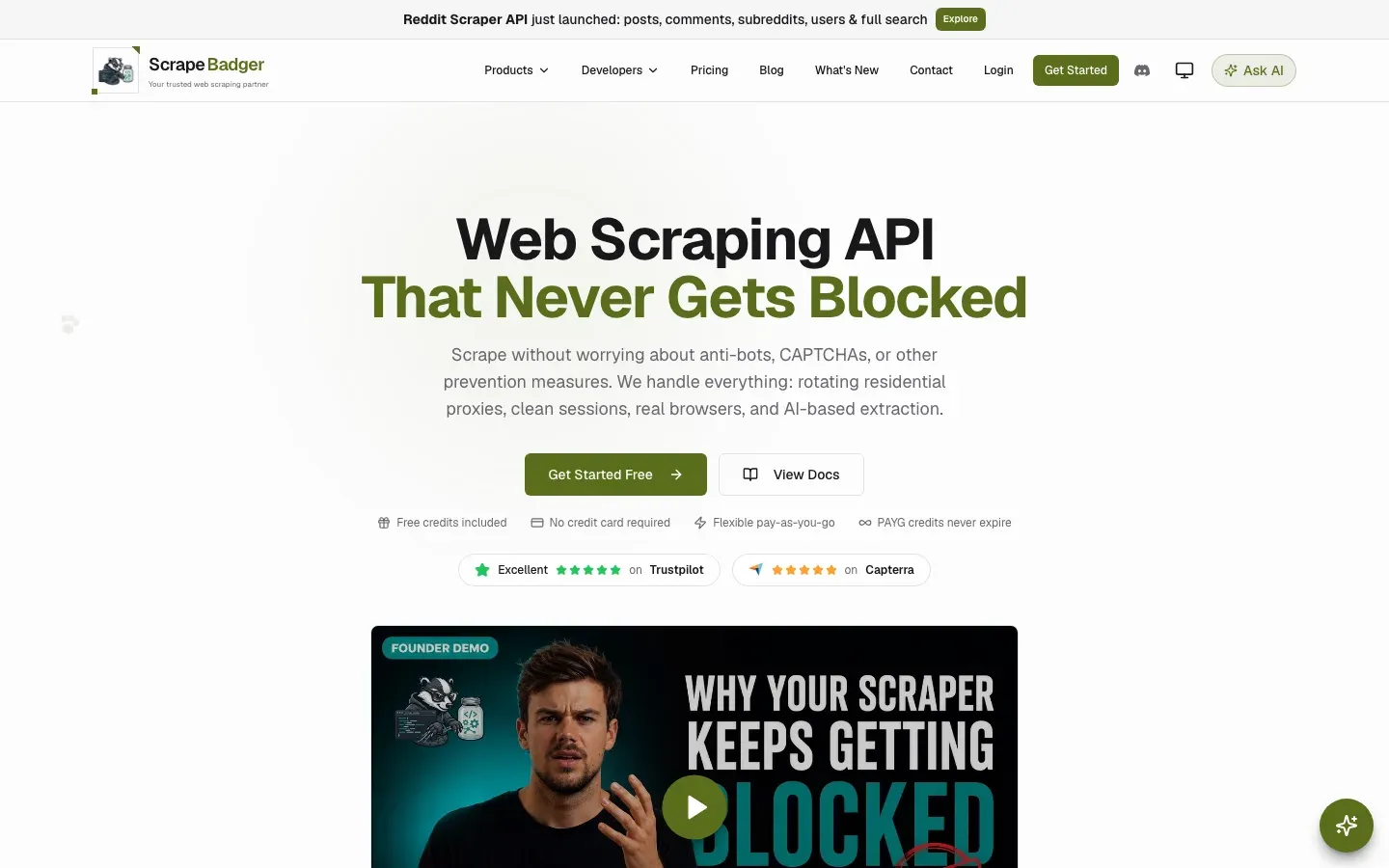
ScrapeBadger combines general web scraping with dedicated APIs for sources such as Google, Amazon, Reddit, and Twitter/X. It handles proxy rotation, JavaScript rendering, and anti-bot challenges, reducing the infrastructure developers need to maintain. Its general scraping API returns HTML, Markdown, plain text, or screenshots, while dedicated endpoints provide structured data for supported platforms. That flexibility suits teams collecting different types of web data through one service.
Best for: developers who need both page content and structured platform data for applications, research, or AI workflows.
Pros:
- Managed proxies, JavaScript rendering, and anti-bot handling reduce scraper maintenance.
- Multiple output formats support everything from HTML processing to feeding page content into AI applications.
- Pay-as-you-go credits never expire, and failed requests are not charged.
Cons:
- Credit costs vary by endpoint and request, so estimating spend requires checking the APIs your workflow uses.
- Rate limits depend on the plan, which can constrain throughput on lower tiers.
Best no-code web scraping tools
You do not need to know Python to scrape the web anymore. The best no-code web scraping tools let an analyst or marketer point at a page, describe what to grab, and schedule the job — no repository, no deploy pipeline, and no proxy configuration. You trade some flexibility and per-record cost for the ability to ship a scraper in minutes.
1. Browse AI
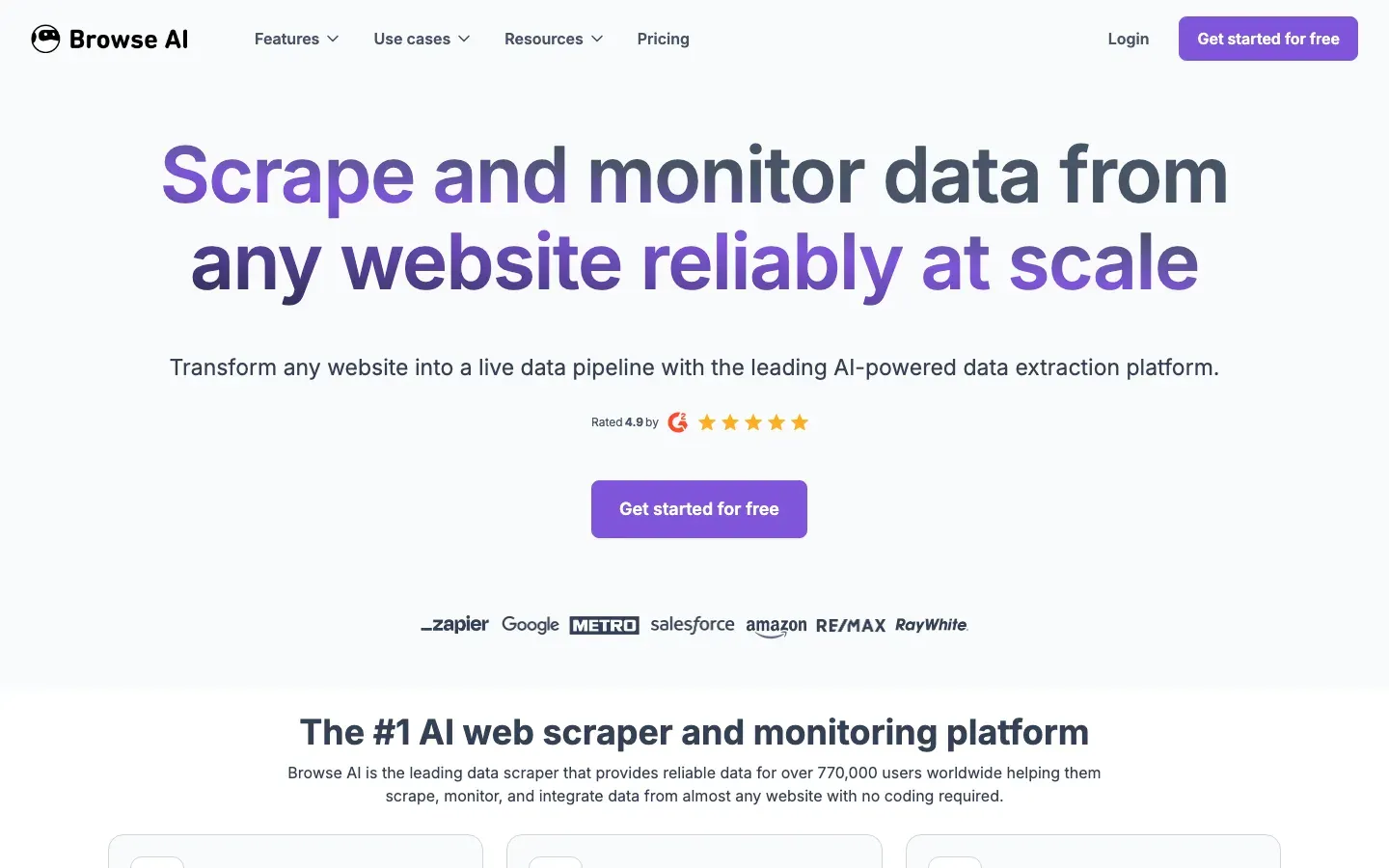
Browse AI is essentially the Loom of web scraping: you record your actions once — click here, extract this field — and it converts that recording into a recurring robot that runs on a schedule. Because it adapts to many layout changes automatically, it stays useful for ongoing monitoring rather than one-time pulls, and it connects directly to Google Sheets and Zapier so the data lands where your team already works.
Best for: monitoring price changes or extracting leads from directories without writing any code.
Pros:
- Zero coding required, so non-technical teams can own the workflow.
- Adapts to layout changes automatically instead of breaking on every redesign.
- A clean interface makes scheduling recurring tasks straightforward.
Cons:
- It is limited for complex branching logic or very large sites.
- Per-record pricing can add up quickly at higher volumes.
2. Hexomatic
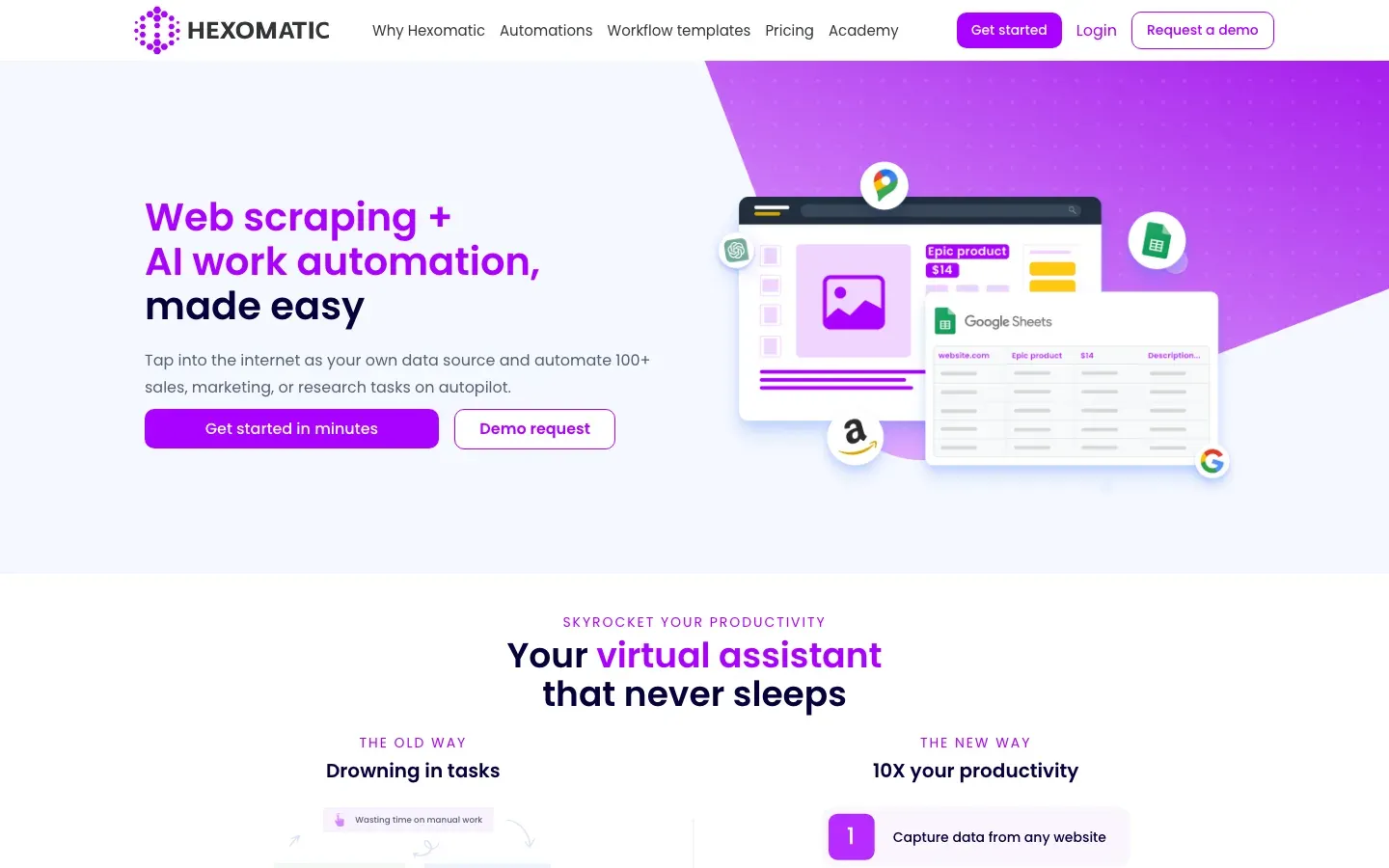
Hexomatic is a broader workflow-automation platform that happens to include scraping as one step among many. Its strength is chaining tasks together, so a single recipe can scrape a profile, find the associated email, translate the bio, and save everything to a spreadsheet without human intervention. That makes it a strong fit when scraping is only the first move in a longer data-enrichment sequence rather than the whole job.
Best for: chaining scraping with enrichment steps such as email finding, translation, and export.
Pros:
- More than 100 built-in automations extend well beyond scraping itself.
- A visual workflow builder assembles multi-step recipes without code.
- Execution runs in the cloud, so nothing depends on your local machine.
Cons:
- It is slower than a dedicated scraping API for pure data collection.
- Complex workflows carry a real learning curve of their own.
AI scrapers vs traditional tools: match the tool to your data
The definition of “scraping” is blurring, and the dividing line now runs between two philosophies. You either extract DOM elements with explicit selectors, or you hand the page to an AI and ask it to read the content the way a person would. The table below shows how those two approaches trade off across the factors that decide a project.
| Feature | Traditional Scraper (Scrapy/BS4) | AI Scraper (Firecrawl/LLM) |
|---|---|---|
| Selector Strategy | CSS/XPath Selectors (div.price) | Semantic Prompts (“Find the price”) |
| Maintenance | High (Breaks on layout changes) | Low (Adapts to visual changes) |
| Output | Structured JSON | Markdown / Text / JSON |
| Cost | Low (Compute only) | High (Token costs) |
| Accuracy | 100% (Exact match) | ~95% (Potential hallucinations) |
The takeaway: match the scraper to the shape of your data. Traditional tools win for high-volume, structured fields like stock prices or sports scores, and if you are pulling ten million Amazon products, the raw efficiency of CSS selectors is worth the maintenance it costs you. AI tools win for messy, unstructured content such as news articles, forum threads, or collecting reviews, because when you need to summarize the sentiment of a page rather than copy a fixed field, a language model is the only realistic option. Many mature stacks now run both, using selectors for the structured core and an AI layer for the long tail of pages that refuse to standardize.
Can ChatGPT scrape a website?
Only partly. ChatGPT can fetch a page, but Gumloop’s review finds it “a bit finicky” and not a full scraper. The working pattern is the reverse: one of the best web scraping tools collects the page, then you hand the text to the model to summarize, classify, or extract fields.
Legal and ethical considerations
Scraping is generally legal in the US (see the Ninth Circuit ruling on HiQ vs. LinkedIn), but there are boundaries worth knowing.
Is web scraping illegal in the US?
No, not as a rule. Scraping publicly available data is generally legal, but TinyFish notes that policies still vary by site and jurisdiction, and it advises against scraping personal data or anything behind a login without permission. Web Scraper puts the test the same way: legality depends on the type of data, how you use it, the site’s terms of service, and the laws where you operate. So the risk sits less in the act of fetching a page and more in what you take and what you do with it. The four rules below cover the usual failure points.
1. Respect robots.txt. This file at domain.com/robots.txt tells you what the site owner allows. It isn’t legally binding everywhere, but ignoring it can get your IP banned instantly.
2. Personally identifiable information (PII). If you’re scraping EU data, GDPR applies. Scraping names, emails, and phone numbers without consent is a legal minefield. Anonymize where possible.
3. Copyright vs. data. Facts like prices, sports scores, and dates cannot be copyrighted. Creative expression like blog posts, images, and reviews can be. Scraping data for analysis is usually fair use; republishing that content is theft.
4. Rate limiting. Don’t DDoS the site. Use polite delays between requests. If you crash their server, you’re liable.
Monitoring the digital ecosystem: the data flows both ways
If you’re reading this, you’re probably focused on taking data from the web: building scrapers to watch competitors, track prices, or feed AI models.
It runs the other way too. The same way you use Firecrawl to read websites for your LLM, search engines like ChatGPT, Perplexity, and Gemini are scraping your brand, ingesting your pricing, your reviews, and your documentation to train their models. So if you’re building a business in 2026, gathering data is only half the job: you also have to manage how you’re gathered, which is where cloro fits in.
You use scraping tools to gather intelligence; you use cloro to monitor outbound visibility. It tracks how often AI search engines cite your brand, what data they’re extracting from you, and whether they position you correctly against the competitors you’re scraping.
The full data loop:
- Inbound. Use Playwright or Firecrawl to gather market data.
- Storage. Warehouse that data for internal decisions.
- Outbound. Use cloro to make sure the market’s AI models have the right data about you.
The data flows in both directions.

About the author
Ricardo Batista
Founder, cloro
Ricardo is one of the founders and engineers behind its SERP and AI-search scraping infrastructure. Before cloro he scaled a financial comparison site to $7M ARR and ran the full-country operations of a unicorn to $65M ARR, then went back to building. He writes about search engine scraping, generative-engine optimization, and turning live search and AI-answer data into something teams can act on.
Frequently asked questions
What is the best web scraping tool for beginners?
For non-coders, Browse AI or Hexomatic are great. For developers starting out, Beautiful Soup (Python) is the easiest library to learn.
Can I scrape dynamic websites?
Yes, but you need tools that can render JavaScript, such as Playwright, Selenium, or specialized APIs like cloro.
Is web scraping expensive?
It depends on the scale. DIY scraping is cheap but time-consuming. Enterprise tools can cost thousands per month but offer reliability and compliance.
What is the difference between AI scrapers and traditional tools?
AI scrapers use LLMs to semantically understand content and are resilient to layout changes, while traditional tools rely on rigid CSS/XPath selectors and are prone to breaking.
What are the legal and ethical considerations for web scraping?
Always respect `robots.txt`, avoid scraping Personal Identifiable Information (PII) without consent, and adhere to rate limits to avoid overloading servers. The legality often depends on jurisdiction and intent.
Is web scraping illegal in the US?
No, not as a rule. Scraping publicly available data is generally legal in the US. The risk comes from scraping personal data, content behind a login without permission, or breaking a site's terms of service, and the rules vary by jurisdiction.
Can ChatGPT scrape a website?
Only partly. ChatGPT can fetch a page but is not a full scraper. The reliable pattern is to collect the page with a scraping tool, then pass the text to the model to summarize or extract fields.
Related reading
Best ChatGPT Scraper 2026: 8 Tools Tested (Web UI)
We tested 8 ChatGPT scrapers against Cloudflare TLS fingerprinting, SSE streaming, and weekly-changing class names to find the best ChatGPT scraper for 2026.
Best Google Scraper 2026: 12 Tested Across 5 Verticals
Benchmark of 12 Google scrapers across SERP, Maps, Jobs, Images, Business Profile. Real cost per call, AI Overview depth, vs SerpApi + Bright Data.
Best AI SEO Tools 2026: 11 Dashboards Compared
We compared 11 AI SEO tools across citation tracking, content optimization, and full suites. Compare pricing, engine coverage, and the real trade-offs.