
Tavily vs Exa: Which Search API Is Better for an AI Agent?

On this page
An AI agent calls its search tool many times, so the choice of API sets three things: how many questions the agent can answer from one call, how long the user waits, and what each answer costs. Tavily and Exa both sell a search API built for AI agents. We ran both on the same 2,182 questions, with the same reader model and the same grader, and compared them on all three.
cloro publishes this benchmark and sells one of the six APIs in it, so the harness, the settings and every graded answer are public.
Tavily vs Exa: which search API is better for an AI agent?
Exa is the better search API for an AI agent in most cases. Exa was more accurate than Tavily on short factual questions and on multi-hop questions, and it tied with Tavily on recent events. Exa was also faster. Exa gives more correct answers per search, while Tavily gives more correct answers per dollar on a plan of 100,000 searches a month.
| Measure | Exa | Tavily | Better |
|---|---|---|---|
| SimpleQA Verified, 1,000 short factual questions | 97.3% | 91.8% | Exa |
| FreshQA, 358 questions about recent events | 83.0% | 81.8% | Tie |
| FRAMES, 824 multi-hop questions | 64.0% | 48.4% | Exa |
| Median latency of one search | 0.74 s | 2.00 s | Exa |
| $ per 1,000 searches (100,000 a month) | $7.00 | $5.00 | Tavily |
| $ per 1,000 correct SimpleQA answers | $7.19 | $5.45 | Tavily |
The takeaway: pick Exa when accuracy or speed limits your agent. Pick Tavily when you run tens of thousands of searches a month on a Tavily plan, and the price difference is worth more to you than a few points of accuracy.
Exa vs Tavily: which one answers more questions correctly?
Exa answered more questions correctly on two of the three datasets. A paired test compares two APIs on the same questions and counts the questions that only one of them got right. That removes the effect of easy and hard questions.
| Dataset | Questions only Exa got right | Questions only Tavily got right | Result |
|---|---|---|---|
| SimpleQA Verified | 72 | 17 | Exa |
| FreshQA | Not significant | Not significant | Tie |
| FRAMES | 197 | 69 | Exa |
Short factual questions. SimpleQA Verified has 1,000 short questions with one answer each. Exa scored 97.3% and Tavily 91.8%. If your agent looks up single facts, such as a date, a name or a number, Exa gets about 5 more answers right in every 100.
Multi-hop questions. FRAMES has 824 questions that each need facts from two or more Wikipedia pages. Exa scored 64.0% and Tavily 48.4%. Both APIs were in the group of four that replied “not found” on 151 to 295 of the 824 questions, because their 10 results did not hold every fact. For an agent, each “not found” is a second search, a page fetch or a failed task. On the same questions, Exa answered 197 that Tavily did not, and Tavily answered 69 that Exa did not.
Recent events. FreshQA has 358 questions whose answers change over time. Exa scored 83.0% and Tavily 81.8%. The difference is within chance, so the two are equal here.
The p-value of every pair is in the benchmark repo’s head-to-head table.
How do Tavily and Exa search the web?
Tavily and Exa find pages in different ways. Two earlier cloro studies ran the same 500 queries through each API and through Google, and measured how much of Google’s results each one returns.
Tavily: Google’s sources in a different order

Tavily returns sources close to Google’s. In our Tavily vs Google study, 80% of Google’s top-10 domains were also in Tavily’s results, and Google’s #1 domain was in Tavily’s top 10 on 92% of queries. Tavily puts those sources in its own order. Each result has a title, a URL and a content snippet. In the benchmark, Tavily ran with search_depth=basic, which costs 1 credit a search.
Exa: a neural index that returns a different web
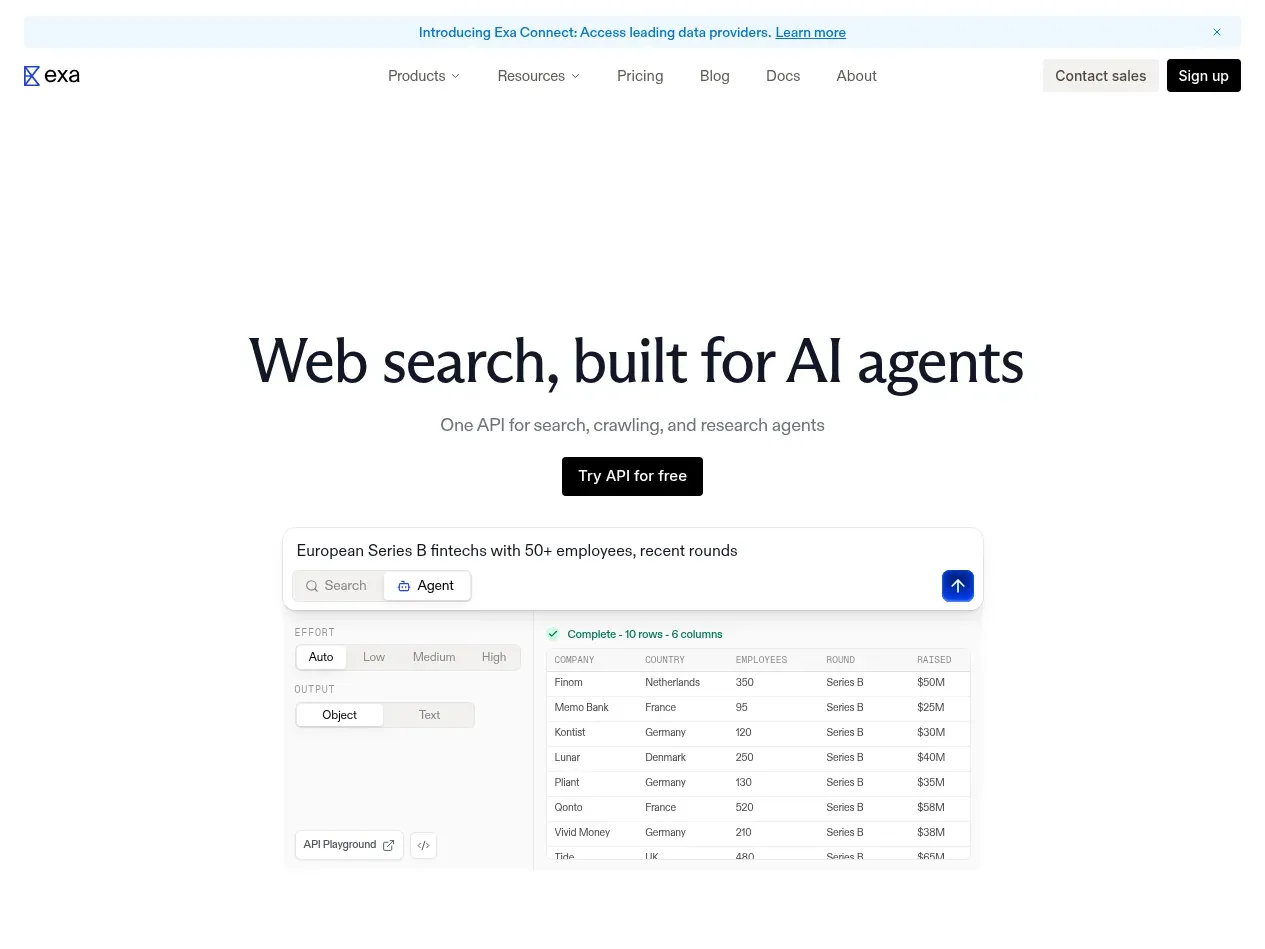
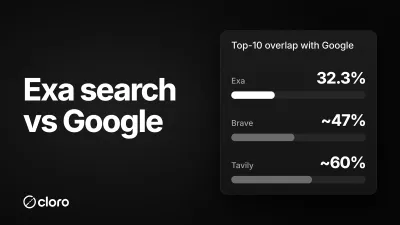
Exa searches by meaning. It turns each page and each query into an embedding and returns the closest pages. In our Exa vs Google study, only 43.5% of Google’s top-10 domains were in Exa’s results, and 32.3% of Exa’s top-10 URLs were in Google’s top 10. Exa finds pages that Google ranks low or not at all. In the benchmark, Exa ran with type=auto and highlights, which return the passages of each page that match the query.
The two 500-query studies measure what each index returns. They do not explain the accuracy results above, which come from a different test.
How much do Tavily and Exa cost for an AI agent?
The price per search depends on your volume, and the order of the two APIs changes with it.
The benchmark priced each API on the cheapest self-serve plan that covers 100,000 searches a month, with list prices read on November 5, 2026. We read the Tavily pricing page, the Tavily credits page and the Exa pricing page again on November 14, 2026. The rates had not changed.
| Volume and plan | Tavily, basic search | Exa, auto search with up to 10 results |
|---|---|---|
| Free each month | 1,000 credits (1,000 searches) | $10 of credits (about 1,400 searches) |
| Pay as you go | $0.008 a credit, $8.00 per 1,000 | $7 per 1,000 |
| 4,000 searches a month | Project, $30 a month, $7.50 per 1,000 | $7 per 1,000 |
| 15,000 searches a month | Bootstrap, $100 a month, $6.67 per 1,000 | $7 per 1,000 |
| 38,000 searches a month | Startup, $220 a month, $5.79 per 1,000 | $7 per 1,000 |
| 100,000 searches a month | Growth, $500 a month, $5.00 per 1,000 | $7 per 1,000 |
Exa has one rate at every volume. Tavily sells monthly plans of credits, and a basic search costs 1 credit, so the price per search falls as the plan grows. The Tavily rates in the table are the plan price divided by its credits.
Cost per correct answer is the price divided by accuracy. At 100,000 searches a month, Tavily costs $5.45 per 1,000 correct SimpleQA Verified answers and Exa $7.19. On pay as you go, Tavily costs more per search than Exa and answers fewer questions, so Exa is cheaper per correct answer too.
The takeaway: on pay as you go or the Project plan, Exa costs less per search and answers more questions. From the Bootstrap plan up, Tavily costs less per search than Exa, and the gap grows with volume. You pay for the lower price with lower accuracy on factual and multi-hop questions.
Exa also sells a lite search type at $4 per 1,000. The benchmark did not test it. For every plan and alternative, see the Tavily pricing and alternatives and Exa pricing and alternatives pages.
Which one should your agent use?
The Tavily vs Exa choice depends on the job your agent does most:
- An agent that answers while the user waits. Use Exa. Its median search took 0.74 seconds, against 2.00 seconds for Tavily, and it was more accurate on factual questions.
- Single-fact lookups: dates, names, numbers. Use Exa. It scored 97.3% against 91.8% on SimpleQA Verified.
- Research that needs facts from several pages. Use Exa if you must choose between the two. It scored 64.0% against 48.4% on FRAMES. Both missed more than a third of these questions from one search, so also read the next section.
- Pages that Google does not rank. Use Exa. Its neural index returns a different web from Google’s, which helps with discovery and similar-page search.
- High volume at the lowest cost per answer. Use Tavily on a large monthly plan. On the Growth plan it costs $5.45 per 1,000 correct answers against $7.19 for Exa, if a lower accuracy is acceptable.
- Sources close to Google’s. Use Tavily. It returned 80% of Google’s top-10 domains in our 500-query study.
When is neither Tavily nor Exa the right tool?
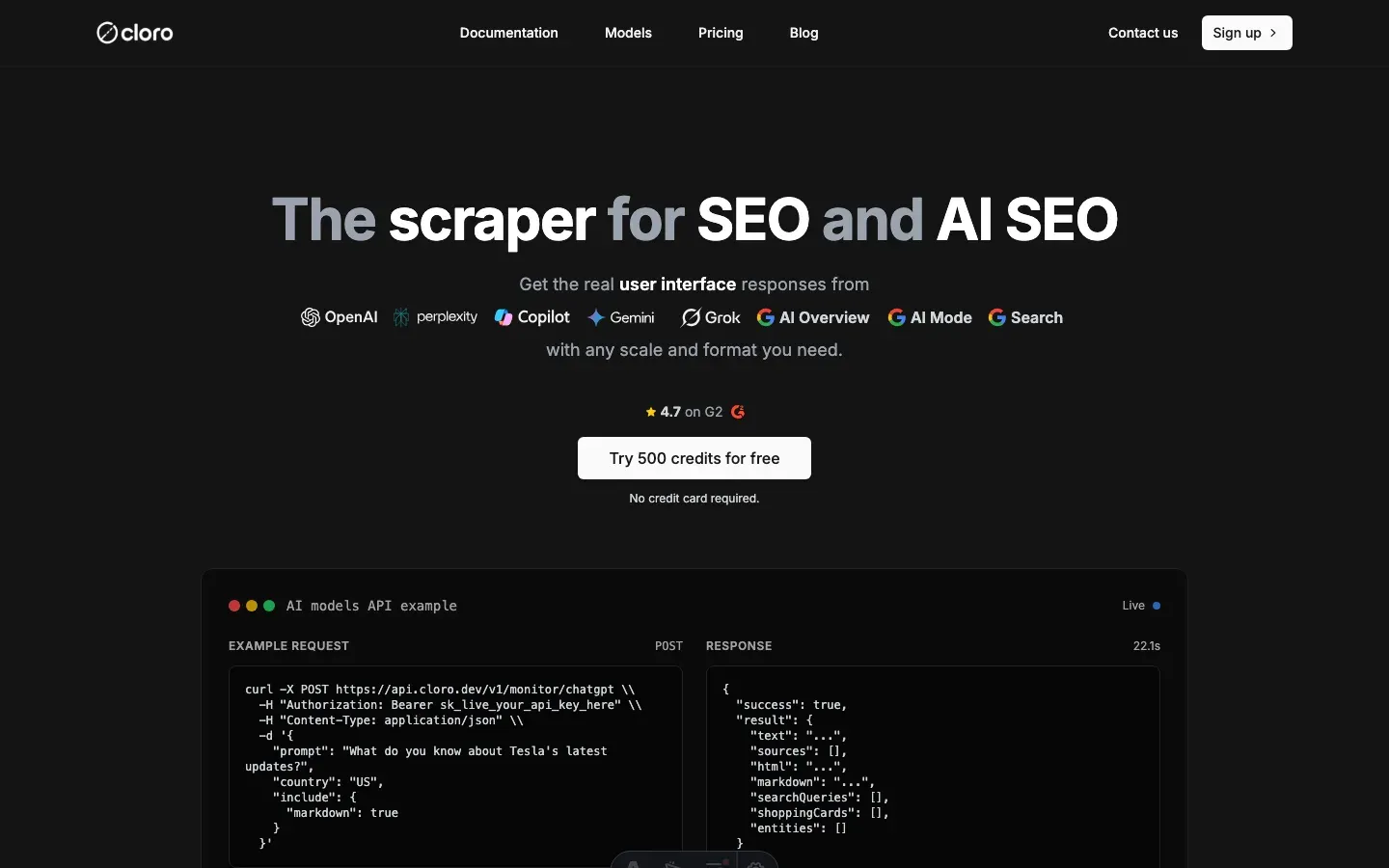
cloro is the better tool when the agent needs Google’s own results page, or answers multi-hop and recent-events questions. cloro returns the live Google page as JSON: the AI Overview, the organic results in Google’s order, People Also Ask and the other result blocks. Tavily and Exa return their own results and none of these Google blocks.
In the same benchmark, cloro answered 80.2% of the FRAMES multi-hop questions, against 64.0% for Exa and 48.4% for Tavily. On FreshQA, cloro scored 88.3%, against 83.0% for Exa and 81.8% for Tavily. On SimpleQA Verified, cloro (96.9%) and Exa (97.3%) were within the margin of error. In paired tests, cloro beat Exa 179 to 45 on FRAMES and 25 to 6 on FreshQA, and beat Tavily on all three datasets.
cloro costs $1.92 per 1,000 searches on its Starter plan, $250 a month for 650,000 credits at 5 credits an async search with the AI Overview. A sync request costs 7 credits, $2.69 per 1,000. That is $1.98 per 1,000 correct SimpleQA Verified answers, the lowest of the six APIs.
cloro is slower. Its median search took 7.96 seconds, against 0.74 seconds for Exa and 2.00 seconds for Tavily. If your agent must answer in under 3 seconds, Exa is the better choice. If it runs in the background or in batches, cloro answers more multi-hop and recent-events questions at a lower price. The live web search API page shows the response, and the guide to adding web search to an AI agent has Python and TypeScript code.
For the other vendor pairs and the free tiers of all six APIs, see the best web search API roundup.
How did we run the Tavily vs Exa test?
Every API got the same setup:
- One search per question. The query was the question text, with no rewrite, no second search and no page fetch.
- 10 results in the default search mode: Tavily
search_depth=basic, Exatype=autowith highlights. The answer features that the vendors sell as separate options, Tavilyinclude_answerand Exasummary, were off. - The same reader. One model (
gpt-5.6-luna) read the results and answered from them alone, or replied “NOT FOUND”. - The same grader. One model (
gpt-5.6-sol) graded each answer with the unchanged OpenAI simple-evals grader prompt. - The same questions. SimpleQA Verified ran on November 4 and 5, 2026, FreshQA on November 5 and FRAMES on November 10 and 11.
Latency is the median time of the search request alone, without the model, from one machine with 4 requests in parallel.
This test measures one search, not a full agent. An agent that searches many times and opens pages can get a higher score from either API. The order of the APIs also changed between the three datasets, so the best test is your own questions. The harness is one Python file in the public benchmark repo:
python3 benchmark.py --providers tavily,exa --n 100 --workers 4The full results for all six APIs, and the tests of which parts of a search result give the accuracy, are in the web search API benchmark.

About the author
Ricardo Batista
Founder, cloro
Ricardo is one of the founders and engineers behind its SERP and AI-search scraping infrastructure. Before cloro he scaled a financial comparison site to $7M ARR and ran the full-country operations of a unicorn to $65M ARR, then went back to building. He writes about search engine scraping, generative-engine optimization, and turning live search and AI-answer data into something teams can act on.
Frequently asked questions
Is Exa better than Tavily?
For most AI agents, yes. In cloro's open benchmark of 2,182 questions with one search each, Exa was more accurate than Tavily on short factual questions (97.3% against 91.8% on SimpleQA Verified) and on multi-hop questions (64.0% against 48.4% on FRAMES). The two tied on questions about recent events (83.0% against 81.8% on FreshQA). Exa was also faster, 0.74 seconds at the median against 2.00 seconds. Tavily is the better choice when cost per answer decides and you buy one of its larger monthly plans.
Is Tavily cheaper than Exa?
It depends on volume. On Tavily's Growth plan, $500 a month for 100,000 credits, a basic search costs $5 per 1,000 against $7 per 1,000 for an Exa auto search, and Tavily costs $5.45 per 1,000 correct answers against $7.19 for Exa. On pay as you go, Tavily costs $0.008 a credit, which is $8 per 1,000 basic searches, so Exa is then cheaper per search and per correct answer. Tavily's monthly plans cost less per search than Exa from the $100 Bootstrap plan (15,000 credits) up. Both pricing pages were read on November 14, 2026.
Which is faster, Tavily or Exa?
Exa. The median search request took 0.74 seconds on Exa and 2.00 seconds on Tavily in the benchmark, measured from one machine with 4 requests in parallel. Exa was the fastest of the six APIs in the test, so it fits an agent that must answer while the user waits.
Should I use Exa or Tavily for RAG?
Use Exa when the pipeline answers factual or multi-hop questions from one search: it gave more correct answers on both question types. The two are equal on questions about recent events. Use Tavily when you run tens of thousands of searches a month on a Tavily plan and cost per answer is the limit. If the questions need several facts or recent data, test a Google SERP API too: in the same benchmark cloro answered 80.2% of the multi-hop questions, against 64.0% for Exa and 48.4% for Tavily. The benchmark harness runs on your own questions.
Do Tavily and Exa have a free tier?
Yes. Tavily gives 1,000 API credits each month with no credit card, and a basic search costs 1 credit. Exa gives $10 of credits each month, which at $7 per 1,000 is about 1,400 auto searches. Both figures are from the vendors' pricing pages on November 14, 2026.
Related reading
Web Search API Benchmark 2026: 6 APIs on 2,182 Questions
We gave cloro, SerpApi, Tavily, Exa, Parallel and Brave Search API the same 2,182 questions, one search each, and graded every answer. Then we tested which parts of a search result an AI agent needs to answer correctly.
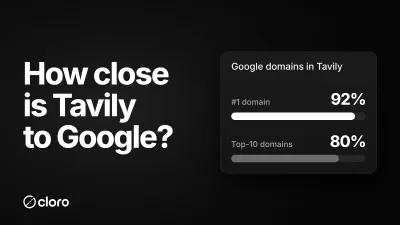
Tavily vs Google Search: How Much SERP Do You See?
If your LangChain or LangGraph agent searches the web, it's probably searching with Tavily, not Google. So how close is Tavily to Google? We put the same 500 queries through both. It's the closest of any search API we've measured, but it reranks Google's sources into an order of its own.
Exa Search vs Google: Neural Search vs the Real SERP
Exa searches the web by meaning, not keywords. So how different is it from Google, really? We ran 500 identical queries through Exa and cloro's live Google SERP. The overlap is the lowest of any search API we've measured, and that's exactly the point.